

Fast Scanning Experience
Deliver near-instant code recognition and decoding.
Case study · Utilities
Scan, Generate & Customize QR Codes Effortlessly

The brief
Our role: Mobile App Development, UI/UX Design, QR Technology Integration.
QR & Barcode Scanner is a comprehensive utility application that enables users to instantly scan, generate, customize, and manage QR codes and barcodes. The app combines powerful scanning capabilities, advanced code generation tools, history management, favorites, and customization options into a modern mobile experience.
QR & Barcode Scanner was developed to provide users with a complete solution for scanning, generating, and managing QR codes and barcodes. While many applications focus only on scanning, this platform extends functionality by allowing users to create highly customizable QR codes and professional barcode formats.
The application supports multiple QR and barcode formats, image-based scanning, batch scanning, favorites, history management, data export, and visual customization options. The result is a versatile utility app suitable for personal, professional, and business use cases.
Built with Flutter and modern mobile architecture, the application delivers fast performance, reliability, and a user-friendly experience.
Requirements
Focused on making QR and barcode interactions faster, smarter, and more customizable.
Deliver near-instant code recognition and decoding.
Provide flexible QR and barcode creation capabilities.
Reduce manual data entry through quick code interactions.
Make advanced functionality accessible through intuitive workflows.
Our approach
Technical challenges solved through optimized scanning workflows, generation engines, and user-focused design.
Ensuring accurate scanning across different devices and lighting conditions required optimization of camera processing and decoding workflows to maintain speed and reliability.
A flexible scanning and generation system was implemented to support a wide range of QR code and barcode standards while maintaining consistent performance.
The application combines scanning, generation, customization, and history features within a streamlined interface that remains easy to navigate and understand.
Key features
Powerful tools built to handle every QR and barcode workflow in a single application.
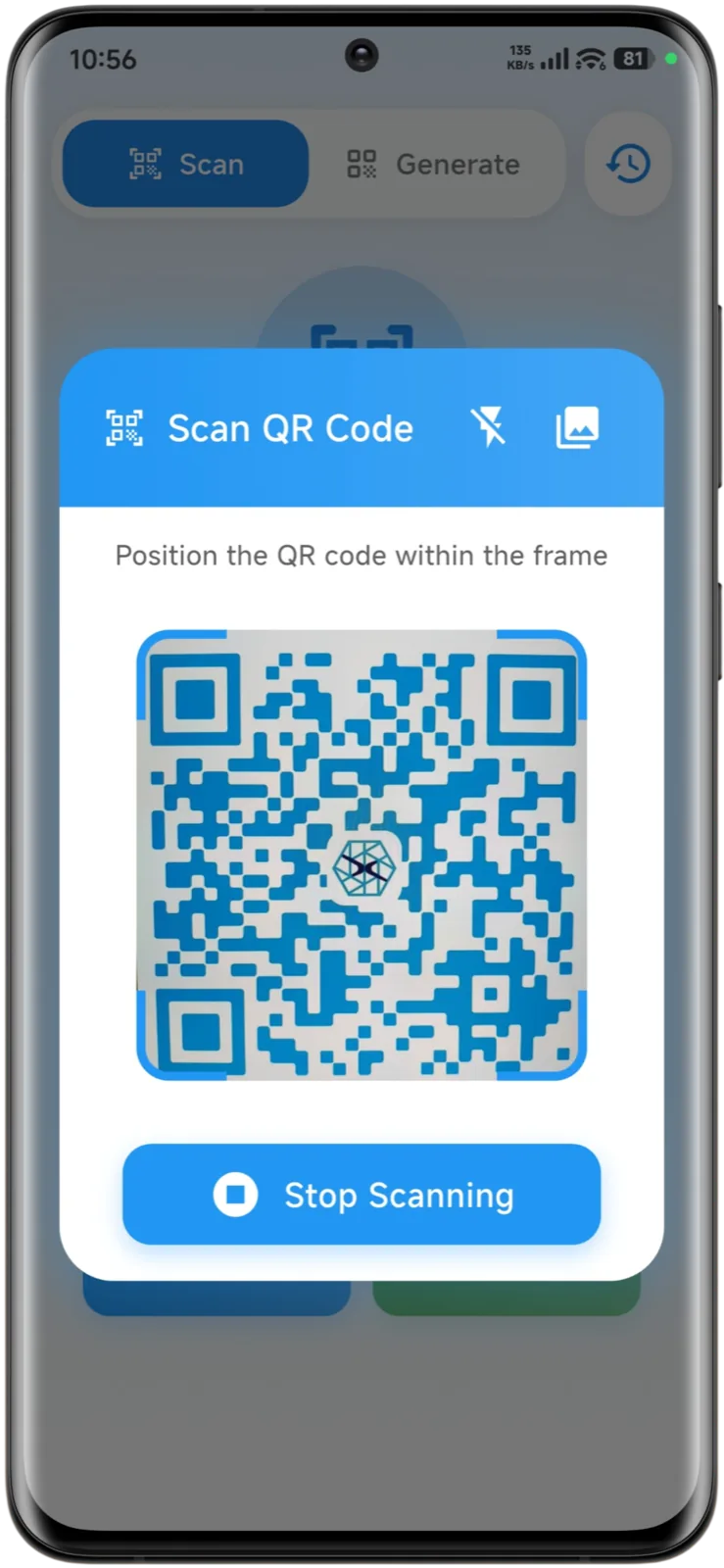
Automatically scan and decode QR codes and barcodes in real time using the device camera.
Create QR codes for URLs, text, Wi-Fi, contacts, emails, locations, and more.
Generate multiple barcode formats for products, inventory, and business operations.
Personalize QR codes and barcodes using colors, styles, and visual design options.
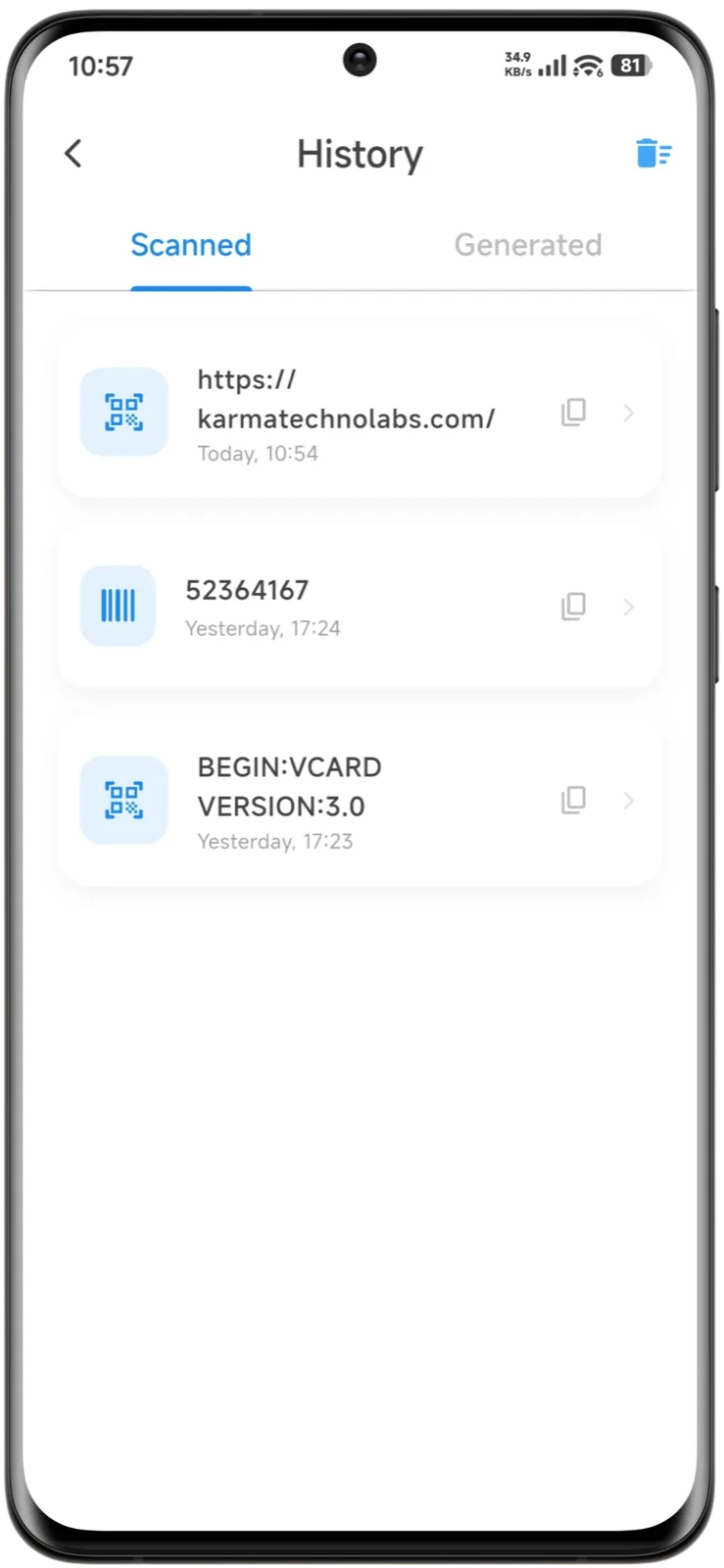
Access previously scanned and generated codes in History.
Product screens
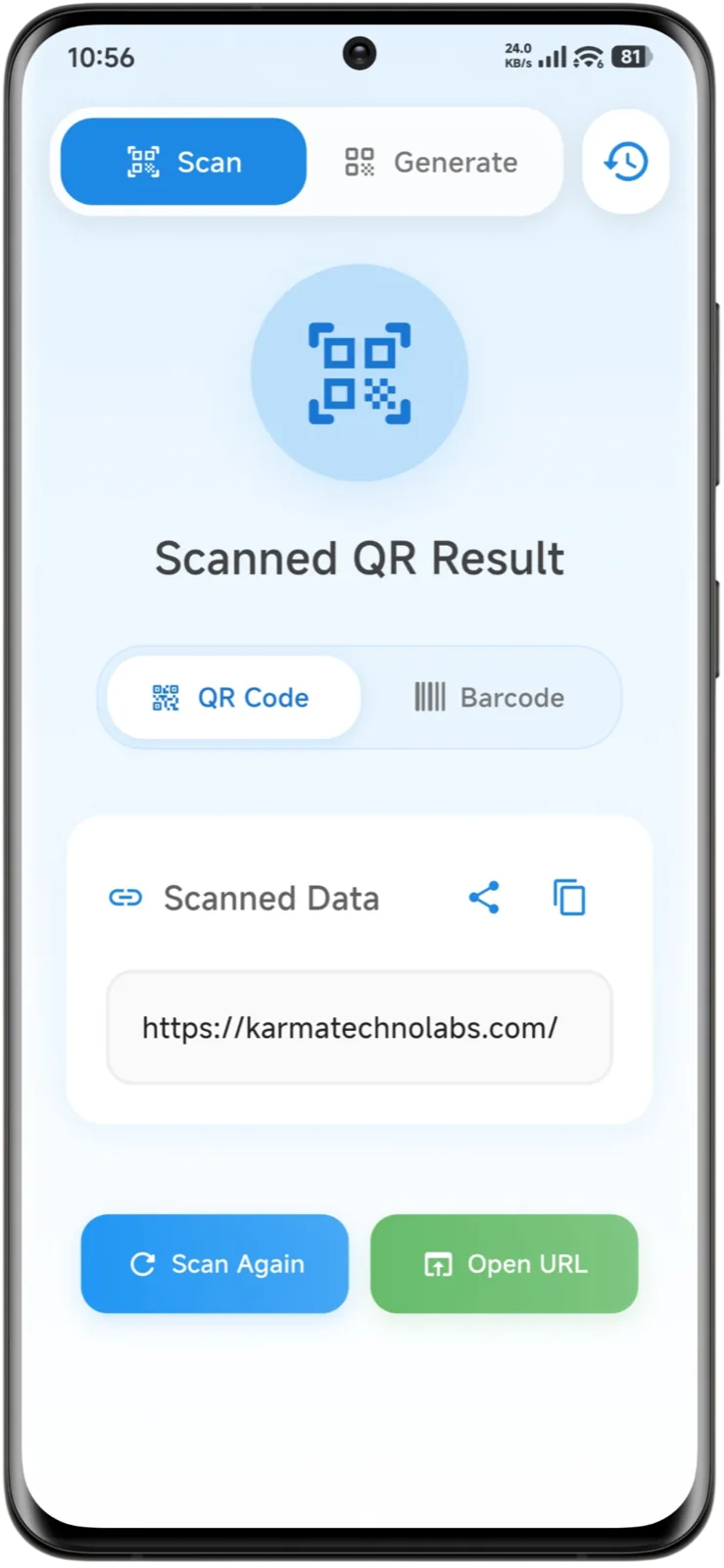
Modern interfaces designed to simplify scanning, generation, customization, and code management.


Experience design
Designed around speed, simplicity, accessibility, and minimal user effort.
Common actions such as scanning, generating, sharing, and saving codes were designed to be completed with minimal user interaction, making the overall experience faster and more convenient.
Instant confirmations and visual cues help users understand scan results, generation status, and other actions without confusion, creating a more intuitive experience.
Scanned and generated codes are presented in a structured history system, allowing users to quickly revisit, manage, and reuse previously accessed information.
Customization options were designed to be simple and accessible, allowing users to personalize QR codes and barcodes without navigating complicated settings.
Architecture & integrations
Modern technologies selected for performance, scalability, and maintainability.
 FlutterFrontend
 Mobile ScannerQR Engine
Delivery
A structured development process focused on delivering a reliable scanning experience.
Analyzed user needs and common QR workflows to define application requirements.
Designed intuitive scanning, generation, and customization experiences.
Implemented scanning engines, generation tools, history management, and customization features.
Optimized scanning speed, rendering performance, and overall responsiveness.
Validated compatibility across devices and QR/barcode formats.
Published releases and continuously improved functionality based on feedback.
Outcomes
Helping users save time through fast scanning, flexible generation, and organized code management.
Users can scan and generate codes within seconds.
Reduced manual entry through efficient QR and barcode workflows.
Customization and organization tools increase usability and engagement.
Architecture supports future features and long-term expansion.
Roadmap
Future enhancements focused on cloud sync, advanced templates, and productivity tools.
Synchronize history and favorites across devices.
Provide reusable templates for business and marketing use cases.
Track QR usage statistics and scanning insights.
Expand export, sharing, and collaboration capabilities.
Keep exploring
Let’s talk
Tell us about the product you have in mind. We’ll share how we would approach it — scope, stack and next steps.
Start a Conversation