

Accurate Text Capture
Implement reliable OCR to transform snapshots of book pages into clear, editable text with minimal errors.
The brief
Our role: OCR, PDF Conversion, Image Processing.
Book Scanner is a powerful mobile tool that transforms physical pages into editable digital text and PDF files. It empowers readers and learners to capture content from books, magazines, and documents using their camera or imported PDFs. Conversion is fast and free, enabling users to save, read, and customize text format effortlessly.
Book Scanner – Bionic is designed to simplify the process of capturing and reading printed text. Built for students, readers, and professionals alike, the app uses advanced image capture and optical character recognition (OCR) to convert paper pages into readable digital text quickly. Users can manually adjust scanned text, modify size, and export it as a clean PDF document. With a focus on reading enhancement and usability, the app offers intuitive controls and a streamlined workflow suitable for daily use. The feature set emphasizes accessibility and convenience without introducing complexity, making it easy for anyone to digitize content and enhance their reading experience.
Requirements
Key objectives focused on simplifying book digitization and improving everyday document workflows.
Implement reliable OCR to transform snapshots of book pages into clear, editable text with minimal errors.
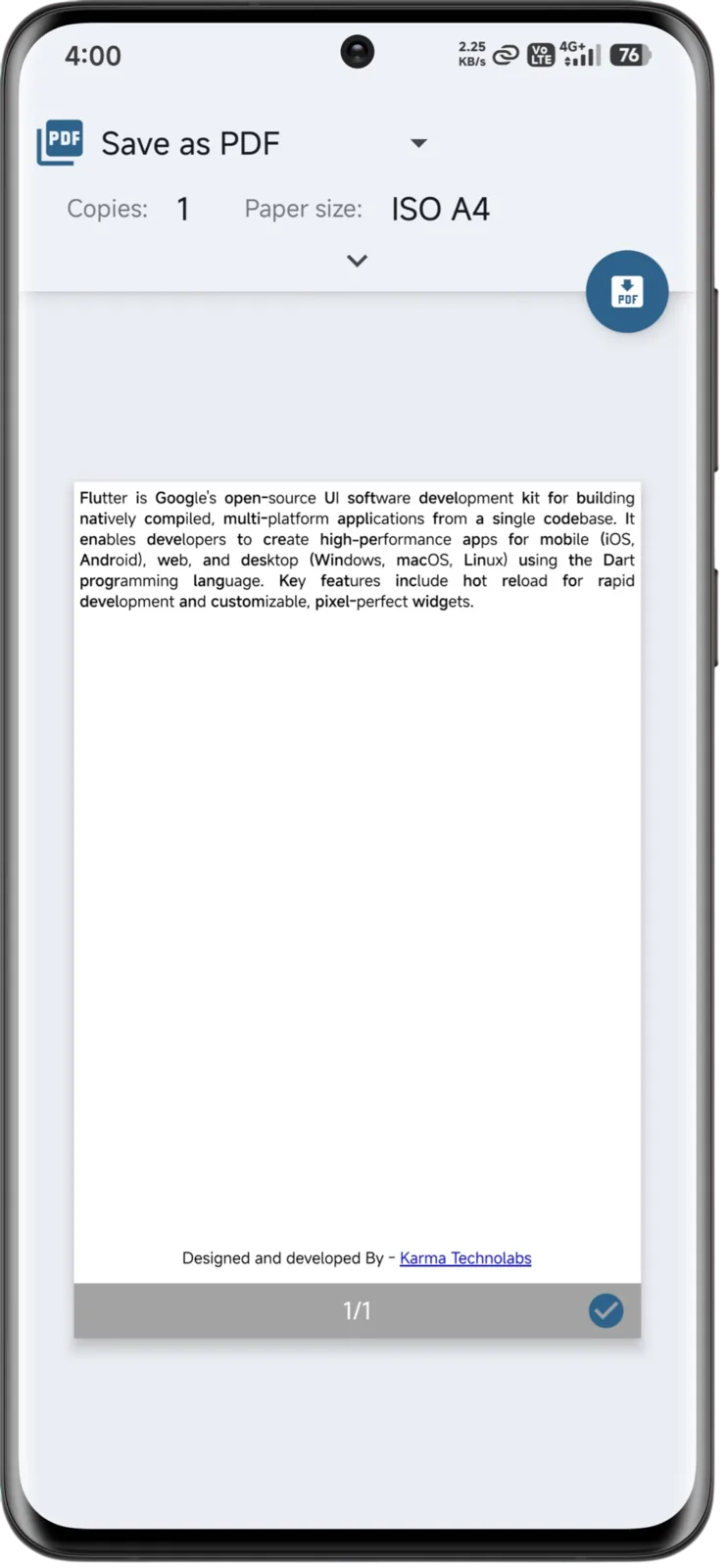
Enable users to generate high-quality, customizable PDF documents from scanned pages or imported files.
Provide a simple and intuitive interface for scanning, text editing, and navigation, making the process accessible for all users.
Allow users to adjust text size, format, and layout for improved readability and personalization.
Our approach
Key technical challenges addressed to ensure accuracy, performance, and usability.
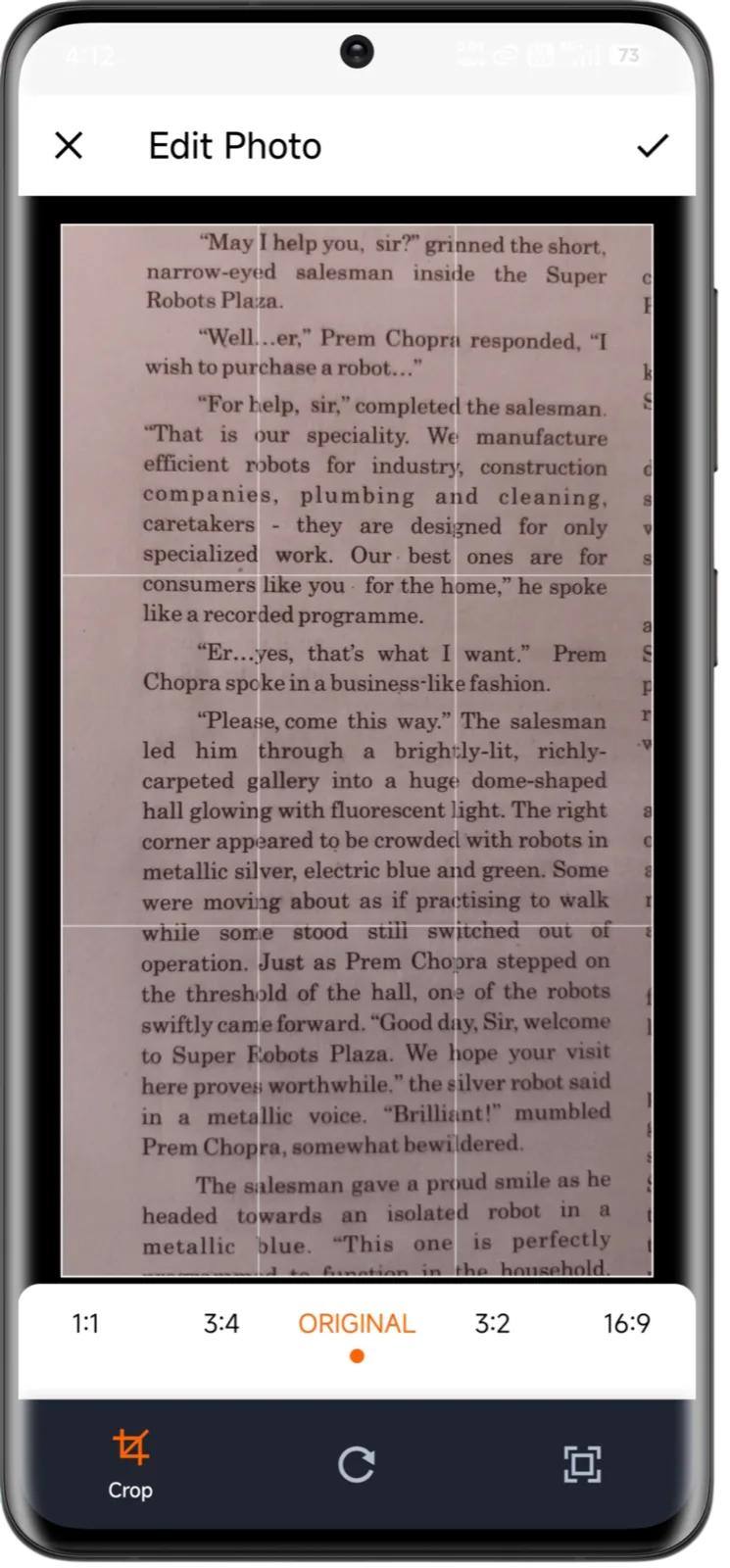
Integrated a robust OCR engine enhanced with image preprocessing techniques such as contrast balancing and noise reduction to handle varying lighting conditions, tilted pages, and complex fonts — ensuring consistent text extraction accuracy across diverse book sources.
Developed a structured document formatting system that maintains text alignment, spacing, and readability when converting extracted OCR content into downloadable PDF files, preventing formatting distortions.
Optimized the camera processing pipeline and asynchronous OCR handling to deliver near-instant feedback after each scan, improving user confidence and reducing re-scan attempts.
Key features
Core capabilities that enable accurate scanning, text formatting, and document export.
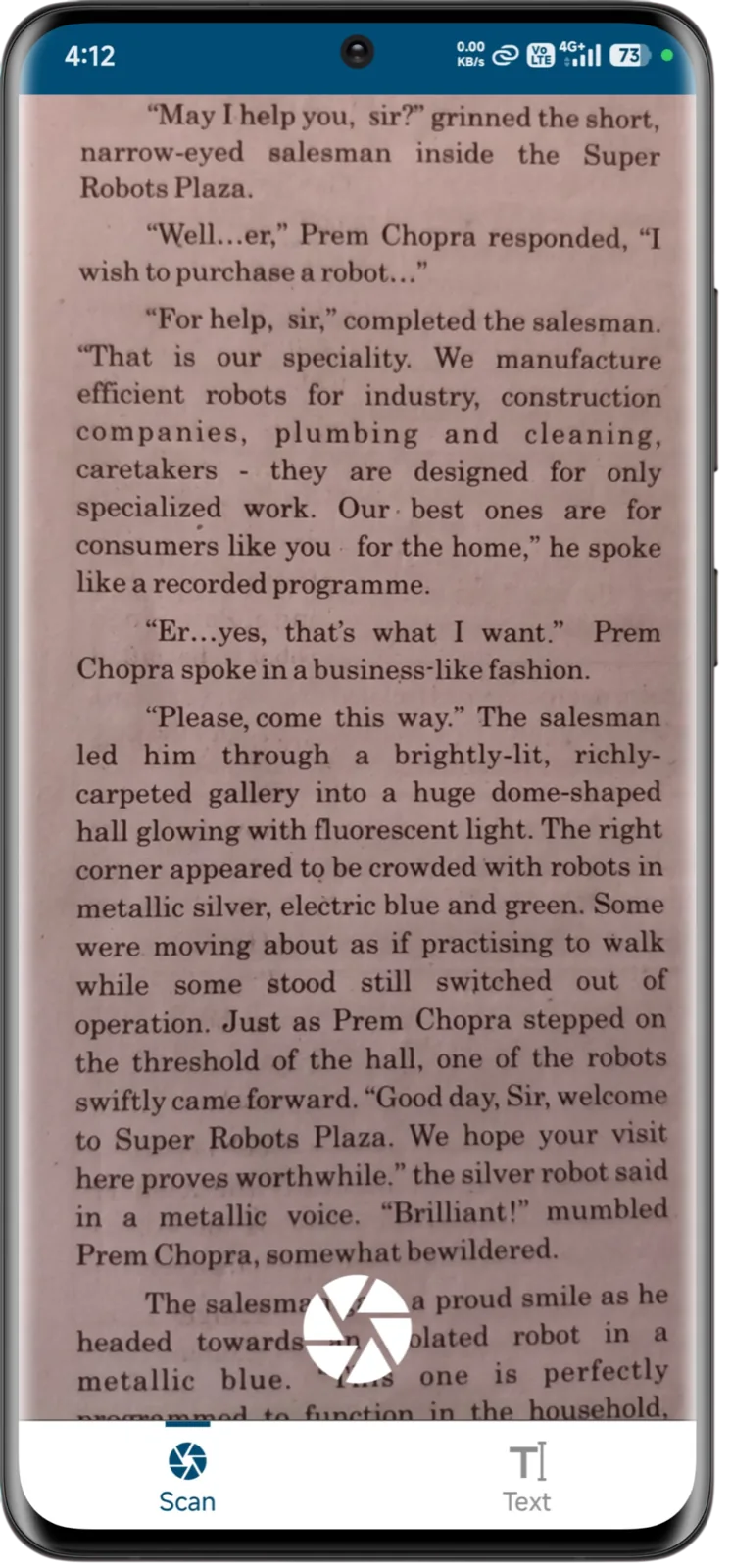
Capture printed pages using the device camera and convert them to editable text instantly with onboard OCR.
Upload existing PDFs or image files and convert them into text-ready documents within the app.
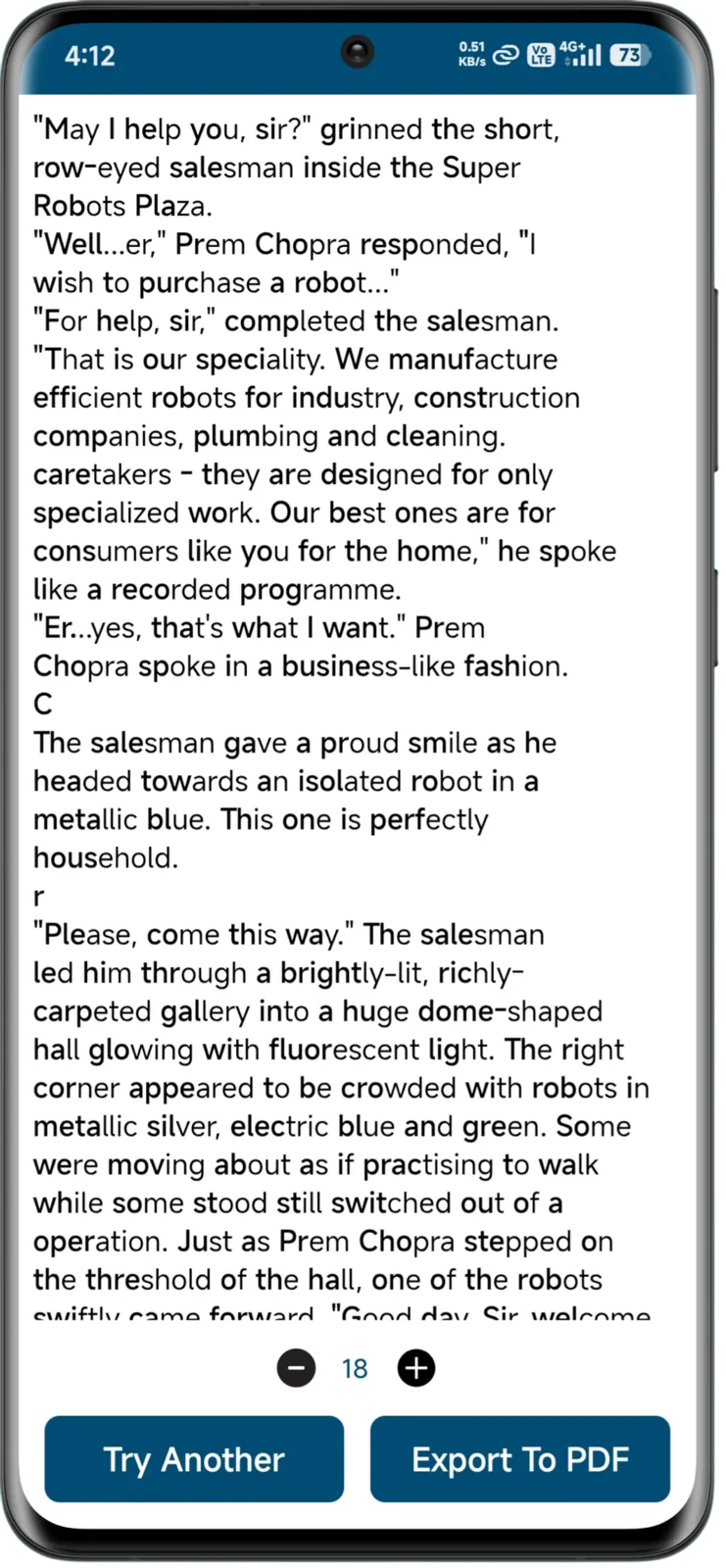
Users can resize and reformat scanned text for comfortable reading and annotation.
Generate professionally formatted PDF files from captured or edited text for saving, sharing, or printing.
Edit converted text manually to fix recognition errors or add notes before final export.
Product screens
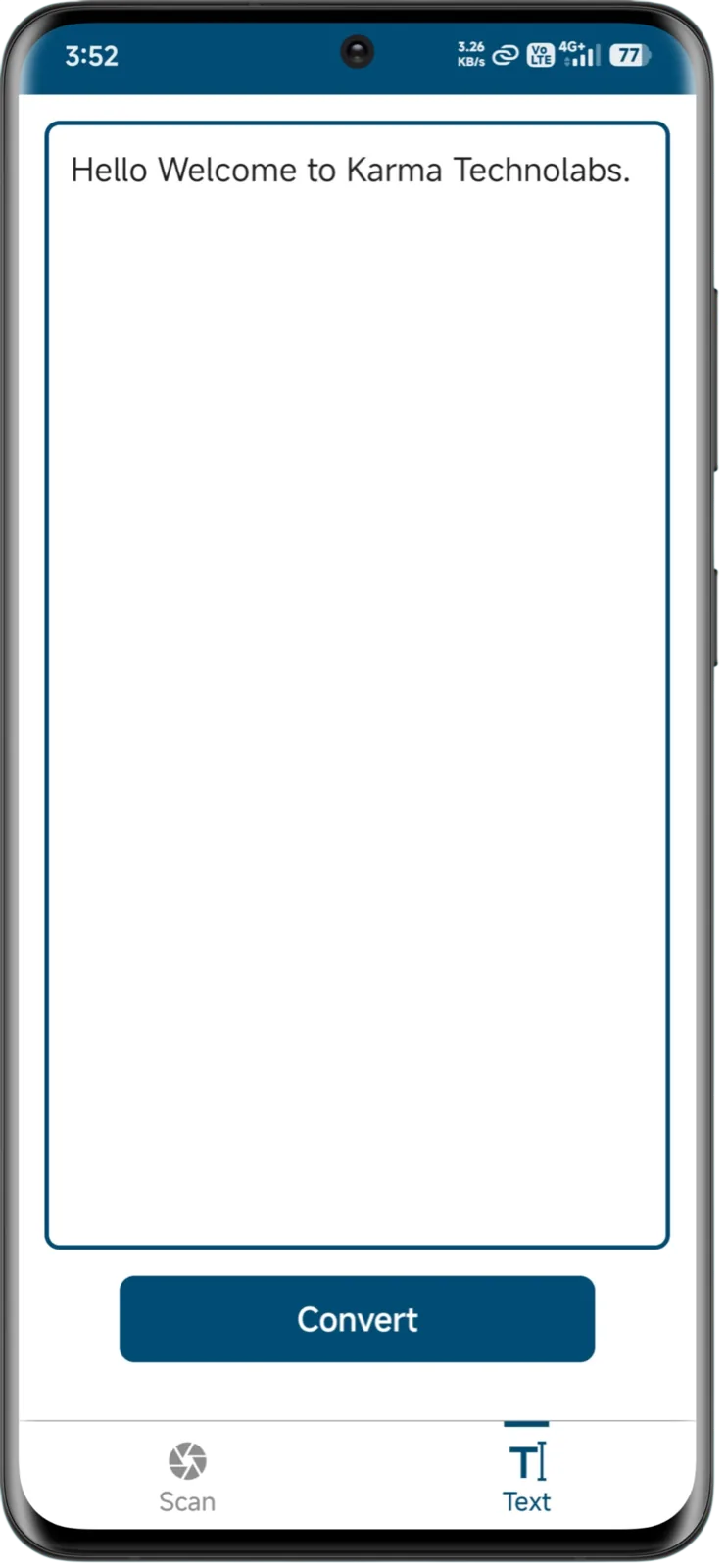
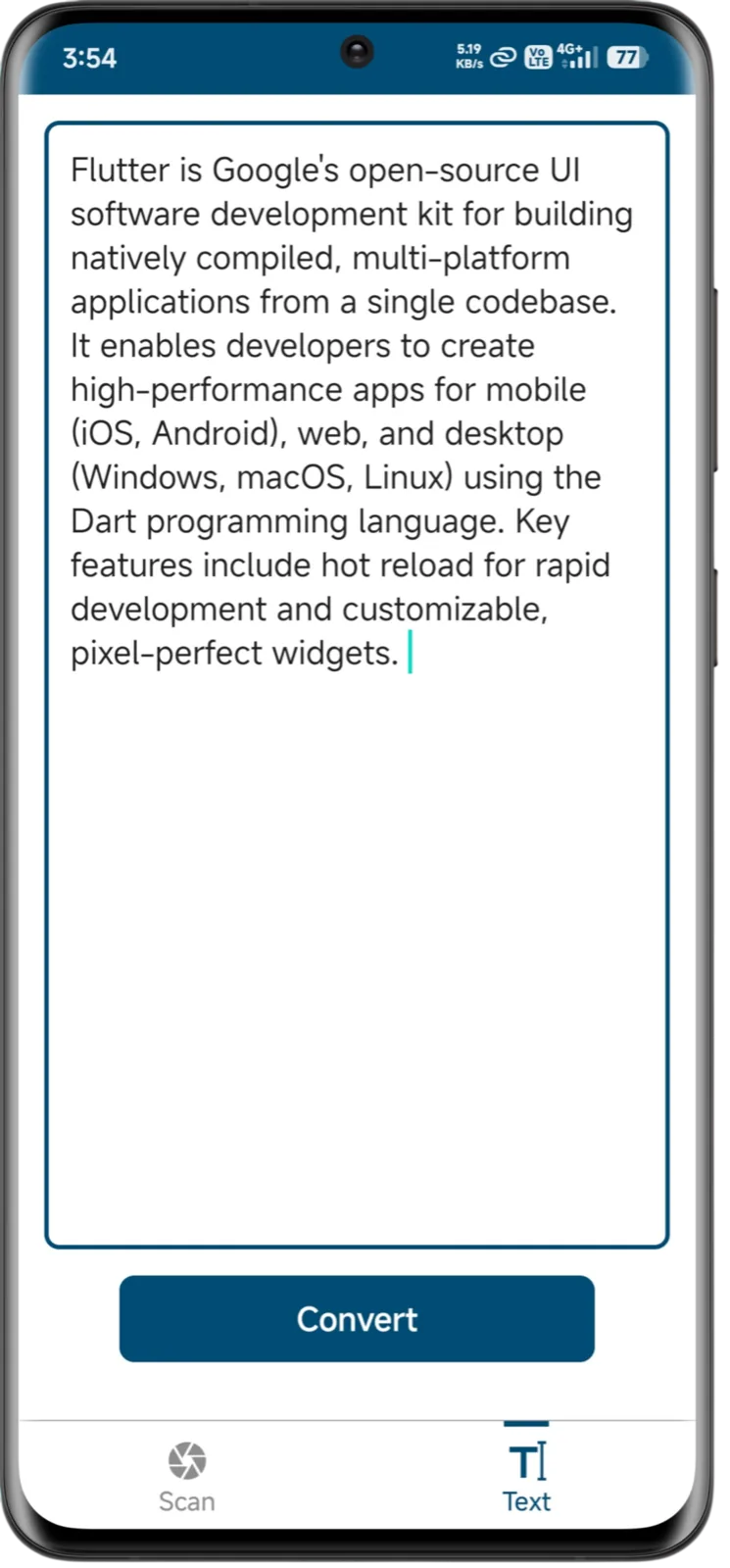
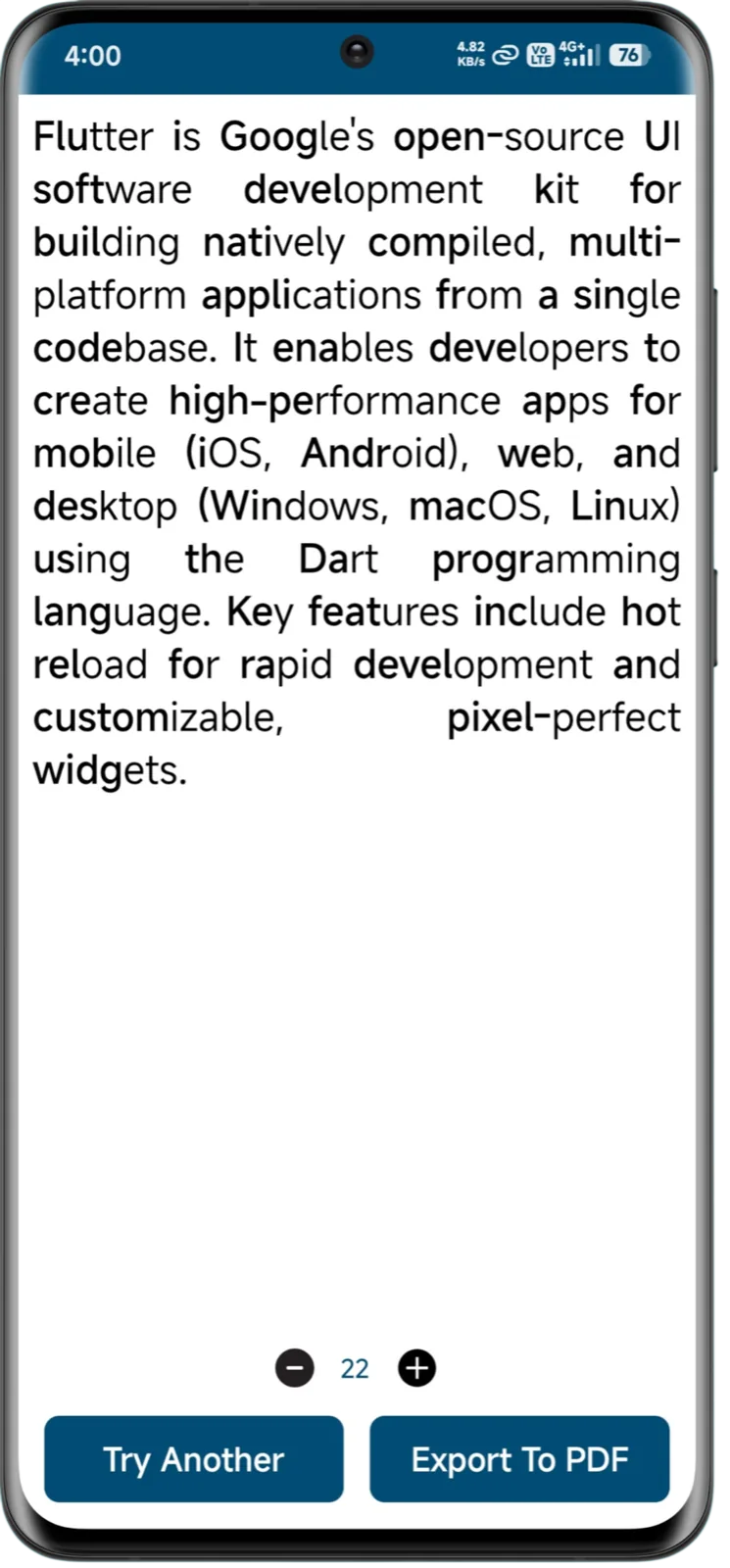
Explore real scanning captures, text previews, and document conversion flows from the application.
Experience design
User-centered design decisions crafted to simplify scanning, editing, and reading workflows.
Users receive real-time OCR extraction results immediately after capturing a page, reducing uncertainty and eliminating unnecessary navigation between camera and preview screens.
Scanned content is displayed in a clean, distraction-free layout with adjustable font sizes, allowing users to improve readability and customize their viewing experience.
A streamlined interface with minimal steps ensures that scanning, editing, and exporting documents can be completed quickly — even for first-time users.
Familiar mobile gestures and intuitive controls create predictable interactions, making repeated scanning and PDF generation tasks effortless.
Architecture & integrations
The technical foundation powering precise OCR processing, reliable PDF generation, and a responsive reading experience.
 FlutterFrontend
 Google ML Kit / TesseractOCR Engine
 PDFKit / SyncfusionPDF Library
Delivery
Structured stages from product concept and prototyping to deployment and iteration.
Identified key use cases like scanning books, converting text, and building a simple workflow.
Designed intuitive camera interface and text preview screens for minimal friction.
Integrated OCR SDK and optimized camera capture to extract text reliably.
Built the PDF generation pipeline with adjustable formatting and export options.
Validated OCR accuracy and performance across real books and documents.
Outcomes
Measurable outcomes and user-focused improvements delivered by the application.
Users can convert printed book pages into editable digital text within seconds, significantly improving productivity, study efficiency, and content reuse workflows.
Support for structured PDF generation and editable text formats enabled seamless sharing, printing, archiving, and content modification without losing formatting clarity.
Adjustable font sizes and clean text layouts enhanced readability, making scanned content more accessible for diverse age groups and visual preferences.
Roadmap
Planned enhancements aimed at expanding functionality and improving user efficiency.
Enable users to store scanned libraries and PDFs in cloud accounts securely.
Support text recognition in additional languages beyond English.
Generate smart summaries of scanned pages using on-device AI.
Keep exploring
Let’s talk
Tell us about the product you have in mind. We’ll share how we would approach it — scope, stack and next steps.
Start a Conversation