
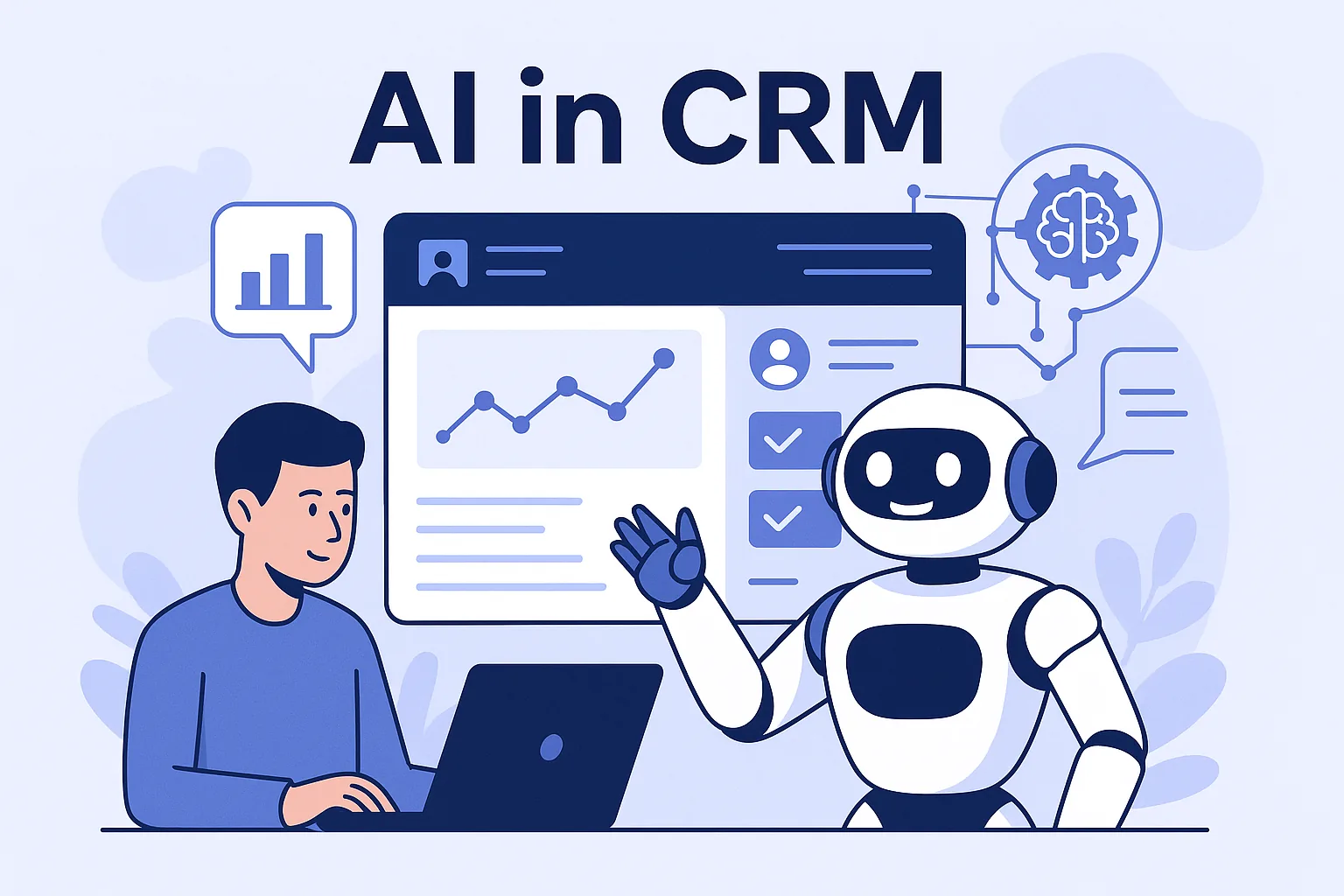
AI is redefining CRM—helping businesses work smarter, respond faster, and deliver highly personalized experiences to their customers.
AI in CRM refers to integrating technologies like machine learning, natural language processing, and predictive models to enhance how businesses interact with their customers.
Predictive analytics helps teams make informed decisions by forecasting sales trends, identifying high-value leads, and preventing churn before it happens.
AI-powered chatbots and virtual assistants allow businesses to provide instant support around the clock, reducing human workload while increasing satisfaction.
Smart CRM assistants like Salesforce Einstein and Zoho Zia guide users with data-driven recommendations—like the best time to follow up or what content to send.
With AI, marketing becomes hyper-personalized. Campaigns are tailored based on behavior, sentiment, and history—making every message more impactful.
Finally, AI automates data enrichment and cleanup, ensuring your CRM remains accurate, updated, and truly useful.
Which AI CRM features deliver value first?
Not every AI feature pays off on day one. The ones that usually show value fastest are those that remove manual work your team already does every day, because the benefit is visible immediately and does not depend on years of historical data. Prediction-heavy features such as churn forecasting tend to need more clean history before they become reliable.
A sensible order is to start with automation and assistance, then move to scoring and prediction once your data is in good shape. Assistance features also build confidence: when reps see that AI saves them time on notes and emails, they are far more willing to trust its lead scores and forecasts later on.
- Automatic call and meeting summaries logged to the right record
- Email drafting and reply suggestions based on the deal context
- Duplicate detection and data enrichment for contacts and companies
- Lead scoring that combines profile fit with recent engagement
- Next-best-action prompts for reps, such as overdue follow-ups
How to prepare your CRM data for AI
AI models learn from the records in your CRM, so poor data produces poor recommendations. Before switching on any AI feature, agree on what each pipeline stage means, make key fields mandatory, and merge duplicate contacts. If one rep marks a deal as qualified after a phone call and another only after a demo, a scoring model will learn a confused signal.
It also helps to record why deals are won or lost using a short, fixed list of reasons rather than free text. This gives prediction models something meaningful to learn from and gives managers a clearer picture of what actually drives revenue. Finally, check that activity data such as emails, calls and meetings is synced automatically instead of relying on manual entry.
A practical roadmap for adding AI to your CRM
Treat AI adoption as a series of small, measurable experiments rather than one big launch. Pick a single problem, such as slow lead response or inaccurate forecasts, and define what success looks like before you begin. That way you can tell whether the feature is helping or simply adding noise to your team’s screens.
Keep the pilot honest by choosing a comparison group or a clear before-and-after period. If response times improve but conversion does not, that is still useful learning. It may mean the feature works but the follow-up process needs attention, or that a different use case would deliver more value for the same effort and budget.
- Choose one use case with a clear owner and a measurable outcome
- Audit and clean the data that use case depends on
- Run a pilot with a small group of users for a few weeks
- Compare results against the previous process, not against expectations
- Gather feedback from reps on whether suggestions are useful
- Scale up, then pick the next use case
Common mistakes to avoid with AI in CRM
The most frequent mistake is trusting AI output blindly. Scores and predictions are probabilities, not facts, so reps should be able to see why a lead was scored highly and override it when they know better. Another mistake is switching on every AI feature at once, which overwhelms users and makes it impossible to see what is working.
Privacy is the third area to watch. Sending customer conversations to third-party AI services should be covered by your privacy policy and data processing agreements, and sensitive fields should be excluded where possible. A configurable CRM, such as the one Karma Technolabs builds, lets you control exactly which data AI features can access and which workflows they touch.
“AI isn’t just automation—it’s intelligence built into every customer interaction.”