
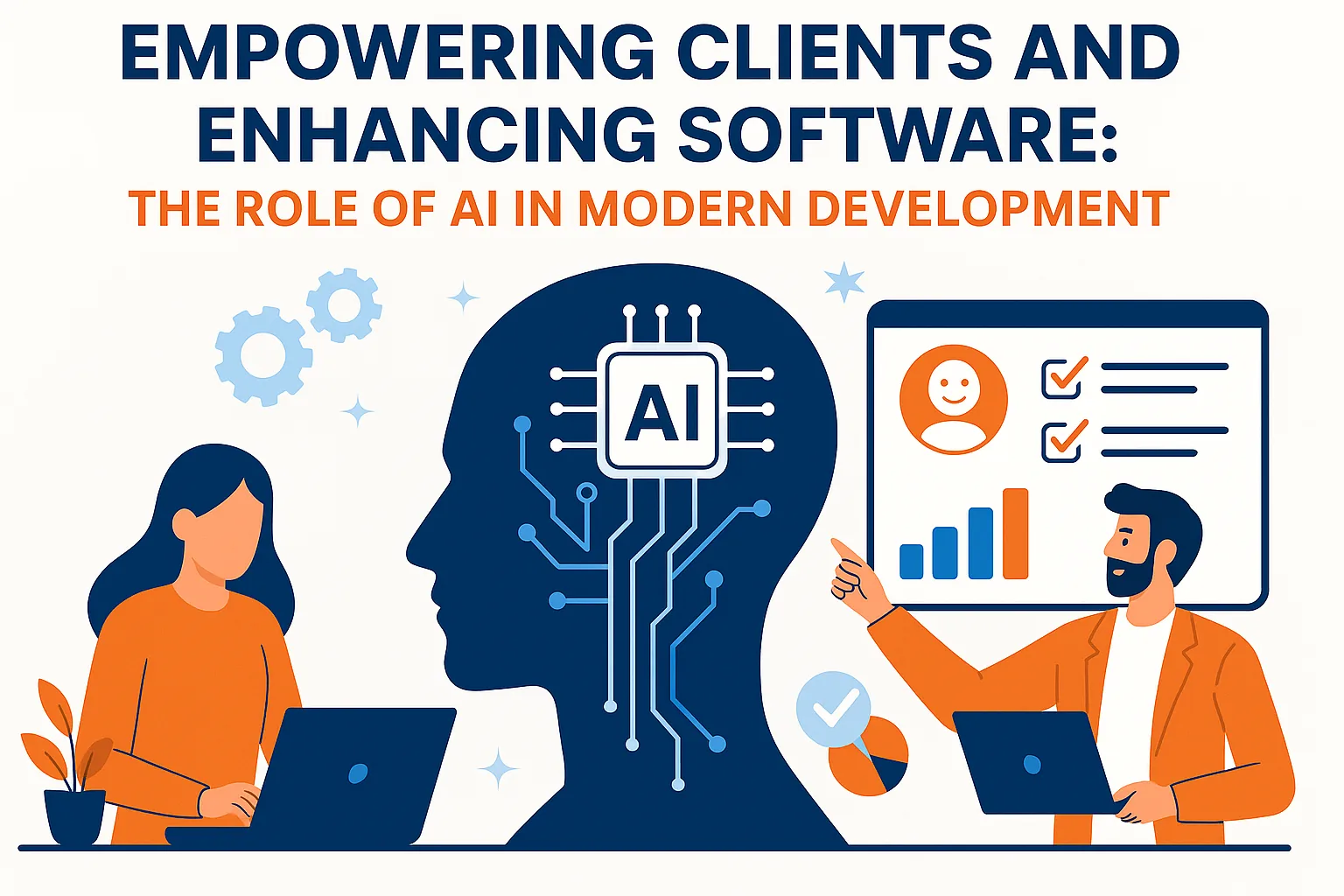
Artificial Intelligence isn’t just a developer’s tool—it’s a client enabler and a product enhancer. Let’s explore how AI delivers value across the entire software development lifecycle, and how clients benefit from intelligent automation, predictive insights, and faster time to market.
AI helps clients by offering smart personalization, data-backed insights, and always-on assistance. For example, a retail app can dynamically adapt offers for each user, increasing satisfaction and conversions.
From a development perspective, AI tools reduce repetitive tasks, such as writing boilerplate code or detecting bugs, freeing up developers to focus on innovation.
AI also improves quality assurance by automatically generating and executing test cases, catching issues before they reach production.
Moreover, AI-powered analytics give product owners better visibility into user behavior and system performance, allowing for smarter strategic decisions.
Ultimately, AI bridges the gap between technical complexity and user satisfaction—ensuring that software is not only built faster but also built right.
AI features clients most often ask for
When businesses ask for AI in their software, the requests usually fall into a few practical groups. Most are about saving staff time, helping users find information faster, or making better use of data the business already holds. Large language models have made text-based features far easier to build than a few years ago, while prediction features still depend heavily on good historical data.
In most cases, the strongest AI features are not standalone products but improvements to an existing workflow. A support team that receives a suggested reply inside the ticket screen, or a finance team that sees invoice details filled in automatically, gets value without learning a new tool. That is why integration work often matters as much as the AI model itself.
- Smart search and assistants that answer questions from company documents
- Document processing, such as reading invoices or forms
- Recommendations for products, content or next steps
- Forecasting demand, sales or resource needs
- Summaries of tickets, calls, reports or long records
How to decide whether a feature really needs AI
AI is not always the right tool. If a problem can be solved with clear rules, such as sending a reminder three days before a due date, traditional logic is cheaper, faster and easier to test. AI makes sense when the inputs are messy or varied, like free text, images or behaviour patterns, and when an answer that is right most of the time is still valuable.
Ask three questions before committing: what happens when the AI is wrong, do we have the data to make it work, and how will we measure whether it helps? If a wrong answer could cause serious harm, design a human review step from the start.
Building AI features responsibly
Responsible AI is mostly good engineering practice. Users should know when they are interacting with AI, be able to correct or override it, and have a route to a human when needed. Personal and confidential data should be minimised, and any third-party AI provider should be covered by proper data processing terms.
Teams also need a way to evaluate quality over time. That means a set of test cases with expected answers, logging of AI outputs for review, and monitoring for errors or drift as real usage changes. Without this, problems tend to surface through customer complaints rather than internal checks.
What to expect when adding AI with a development partner
A sensible AI project usually begins with a short discovery phase to confirm the use case and check the available data. This is followed by a prototype tested with real examples, then a production build that adds security, monitoring and integration with your existing systems. Expect the partner to be candid about uncertainty, because AI quality can only be confirmed by testing with your own data.
Running costs deserve attention during planning too. AI features built on external APIs are usually charged by usage, so costs grow with the number of users and requests. Caching common answers, choosing a model that fits the task rather than the largest available, and limiting how much text is processed can keep costs predictable as the product grows.
- Discovery: confirm the use case, data and success measure
- Prototype: test with real examples from your business
- Production: add security, monitoring and integrations
- Improvement: review outputs and refine over time
“AI empowers both builders and buyers—better code, smarter choices, happier users.”