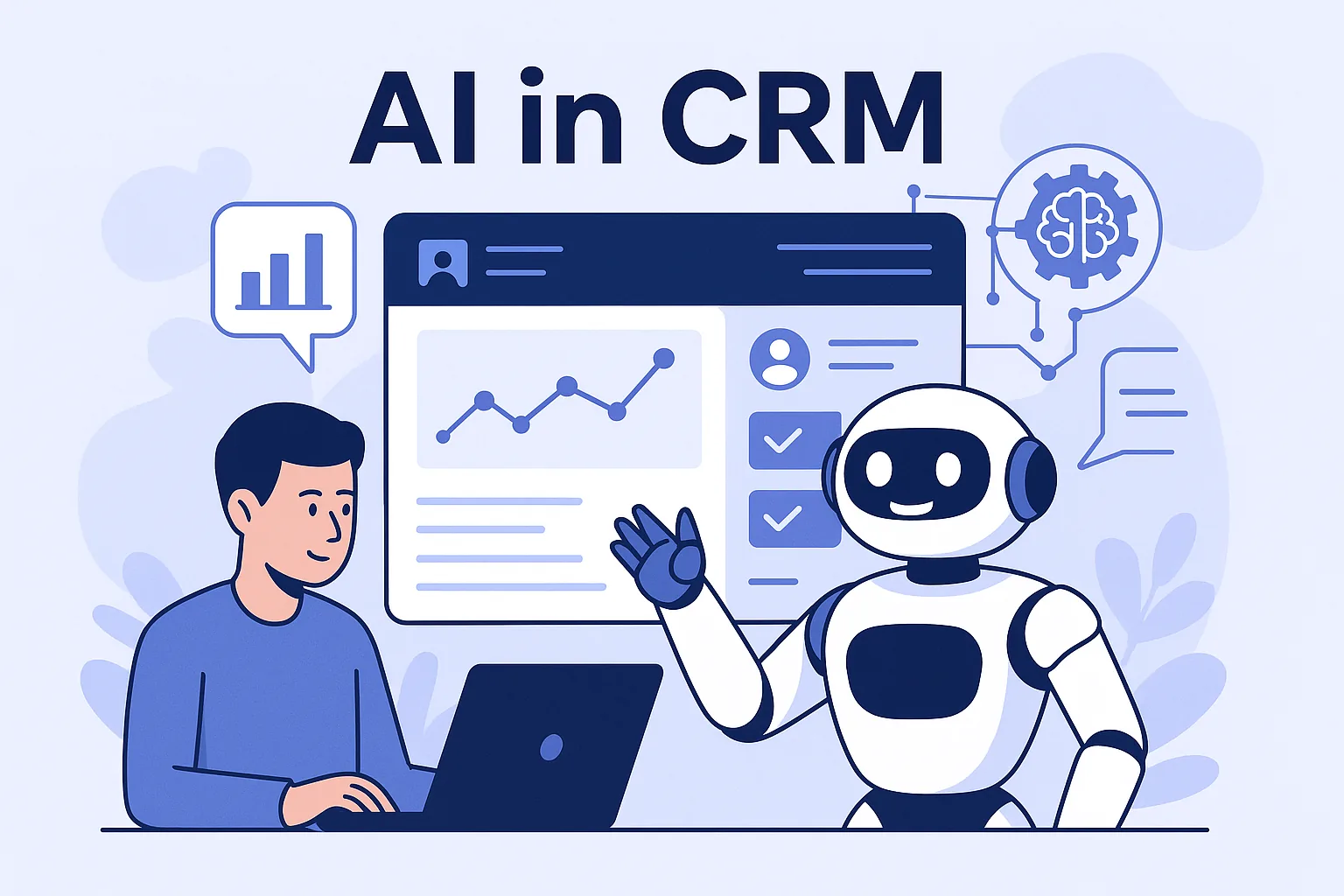

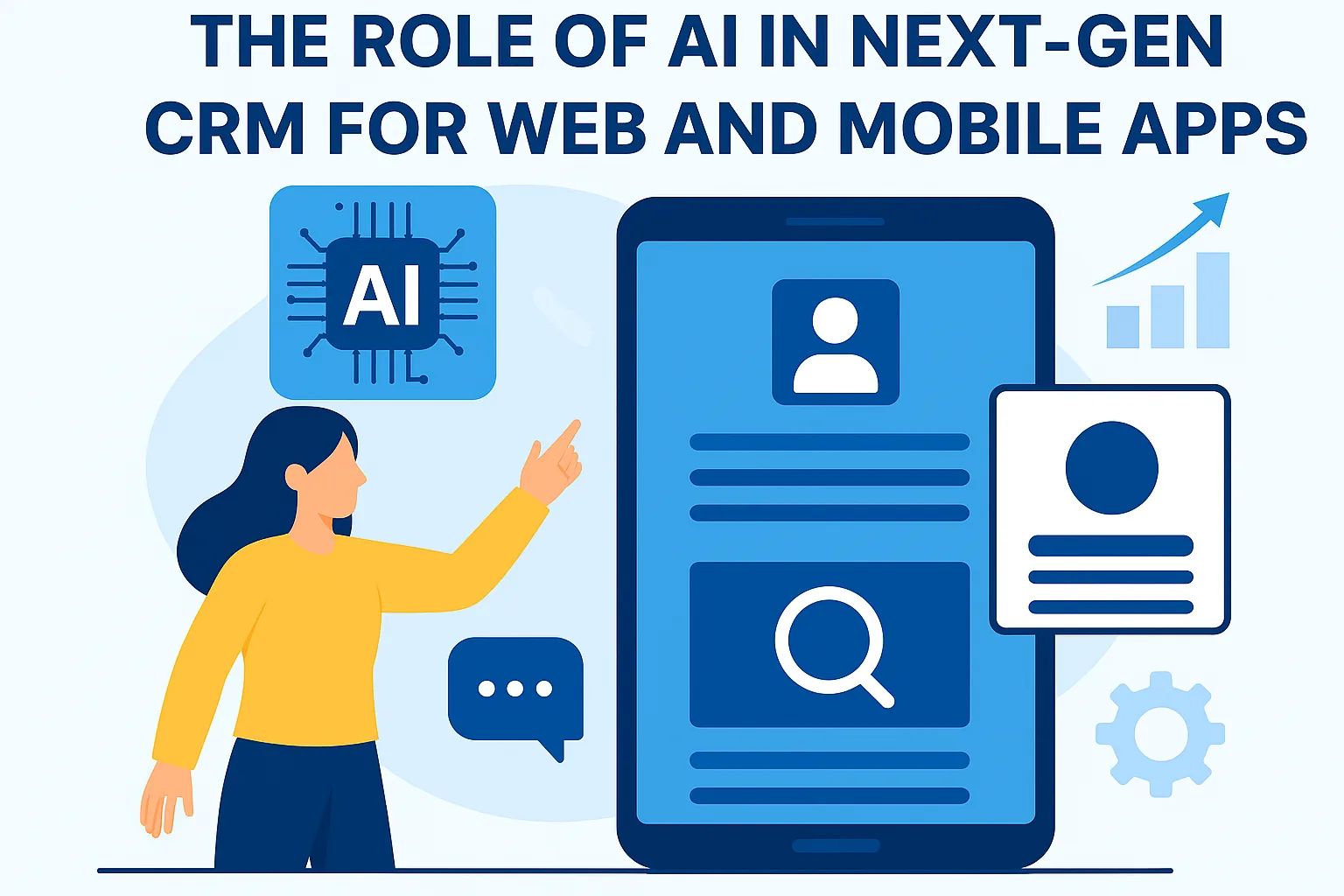
From smarter lead scoring to predictive user behavior, AI is redefining how CRM functions inside today’s applications—making them more proactive, contextual, and customer-focused.
Artificial Intelligence has brought CRM systems into a new era—where data is not just stored, but understood and acted upon. In web and mobile applications, this means smarter user journeys and more meaningful engagements.
AI-enhanced CRMs leverage behavioral data to predict what a user might do next—whether it’s making a purchase, requesting support, or dropping off. This helps apps push the right content or support at the right time.
Features like smart chatbots and NLP-based message analyzers are now standard in AI-powered CRMs. They reduce dependency on human agents and provide faster, round-the-clock support.
In mobile CRM apps, AI enables features like voice commands, predictive notifications, and location-based insights, giving sales teams productivity tools while on the move.
Ultimately, AI in CRM is about making decisions easier—prioritizing leads, identifying friction points, and automating follow-ups—so your app or platform becomes a true growth engine for your business.
Where AI runs in a modern CRM app
AI features in a CRM app can run in three main places, and the choice affects cost, speed and privacy. Server-side models in your own backend give you full control and work across web and mobile. Third-party AI APIs let you add language features quickly without training models yourself. On-device models run on the phone itself, which suits quick tasks and keeps data local.
Most products combine these options depending on the feature. The deciding factors are usually how quickly a result is needed, whether the feature must work offline, how sensitive the data is, and how much each request costs to process at the scale you expect.
- Server-side: lead scoring, churn prediction and forecasting
- Third-party APIs: summaries, email drafting and chat assistants
- On-device: voice input, text suggestions and offline features
- Batch jobs: overnight enrichment and segmentation updates
Designing AI features that users trust
Users are more likely to rely on AI suggestions when they understand them. Show a short reason alongside a score or recommendation, such as recent email opens or a pricing page visit, instead of a bare number. Make it easy to accept, edit or dismiss a suggestion, and use that feedback to improve the feature.
Be careful with automated actions. Drafting a follow-up email is low risk, while sending it automatically to a key client is not. A good default is for AI to suggest and humans to approve, with automation added only for tasks where mistakes are cheap and easy to reverse.
Notifications need the same care. Predictive reminders are helpful when they are timely and relevant, but too many alerts train users to ignore them all. Let users control which AI-driven notifications they receive, group low-priority suggestions into a daily summary, and reserve push notifications for actions that genuinely cannot wait.
Privacy and compliance for AI in CRM apps
CRM apps hold personal data about customers and staff, so AI features must respect the same privacy rules as the rest of the product. Only send the fields a feature actually needs to an AI service, check how the provider stores and uses that data, and document it in your privacy policy. Laws such as India’s DPDP Act and the GDPR in Europe set requirements on purpose, consent and data handling.
Mobile apps have extra obligations. Apple’s App Store privacy details and Google Play’s Data safety section require you to declare what data your app collects and shares, including data passed to third-party AI services. Keep these declarations updated whenever you add or change an AI feature.
Steps to add AI to an existing CRM app
Adding AI gradually reduces risk and makes results easier to measure. Begin with features that assist users rather than replace decisions, and expand once you know they work well with your data. Keep web and mobile behaviour consistent, so a suggestion seen on a laptop matches what the same user sees on their phone.
Plan for failure as well. AI services can be slow or temporarily unavailable, so the app should still work without them, showing standard screens instead of errors. Set timeouts, cache recent results where it makes sense, and monitor response times and costs so that a popular feature does not quietly become expensive or slow.
- List repetitive tasks users complain about most
- Check that the data behind each task is complete and accurate
- Prototype one feature and test it with real records
- Release behind a feature flag to a small group of users
- Track usage, acceptance rate and feedback before a wider rollout
“AI empowers CRMs to think, learn, and evolve—just like your best salesperson, but available 24/7.”