
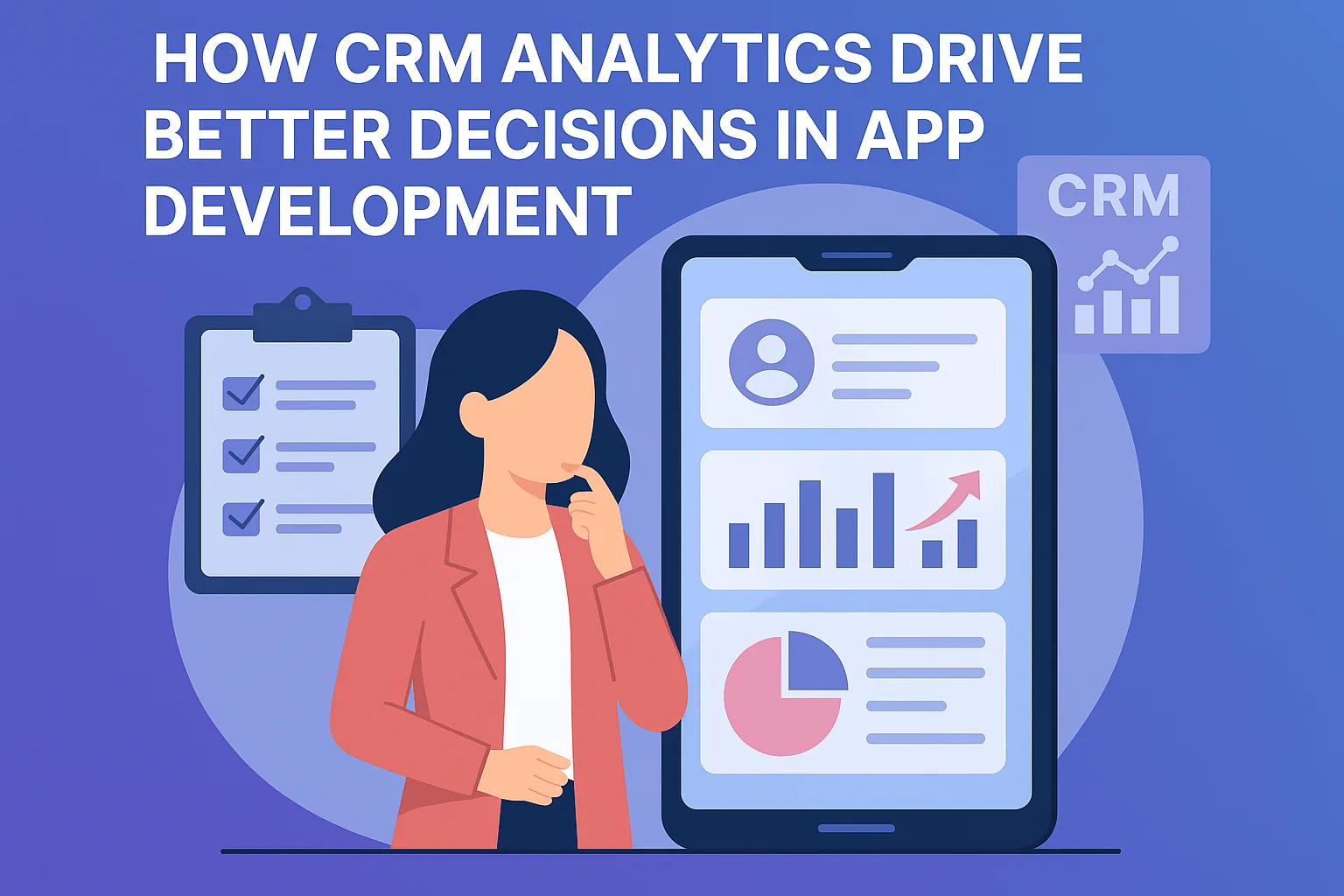
When CRM analytics are embedded into the app development lifecycle, they provide a goldmine of actionable insights—turning guesswork into strategy.
CRM analytics provide detailed insights about user interactions, helping app developers understand what users really want.
By analyzing user journeys, drop-off points, and feedback from CRM systems, teams can make informed decisions about what features to improve or remove.
Segmenting users based on CRM data allows for personalized app experiences, which improves satisfaction and engagement.
CRM-powered dashboards enable real-time visibility into customer behavior, leading to quicker iterations and product-market fit.
When developers and product managers leverage CRM insights, they reduce risk, increase retention, and build apps users genuinely love.
Which CRM metrics matter for app development?
CRM analytics are most useful to product teams when they connect customer outcomes to product behaviour. Sales and support data reveals why customers buy, stay or leave, while usage data shows what they actually do in the app. Looking at both together helps teams focus on features that affect revenue and retention, rather than the ones that are simply requested most often.
Start with a small set of measures your team can act on, rather than tracking everything at once. Each metric should have an owner and a clear question it helps answer, such as which onboarding step to improve next. Useful metrics to track include the following.
- Activation: how quickly new accounts reach a first meaningful result
- Feature adoption by customer segment or plan
- Retention and churn by signup cohort
- Support tickets grouped by feature or module
- Lost-deal and cancellation reasons recorded by the team
- Satisfaction scores linked to account records
Connecting CRM data with product analytics
CRM systems and product analytics tools often live apart, so the first technical step is linking them with a shared identifier. When the same user or account ID exists in both systems, you can see, for example, whether customers who adopted a feature renewed more often, or which features large accounts rely on.
Some teams send product events into the CRM, while others bring both sources into a data warehouse and build reports there. A warehouse approach scales better for complex questions, while CRM-based reporting is simpler for sales and support teams to use day to day.
Whichever approach you choose, agree on definitions early. Teams often disagree on what counts as an active user, a churned account or an adopted feature, and each department ends up with different numbers. A short shared glossary of metric definitions keeps product, sales and support discussions focused on decisions rather than on whose report is correct.
Turning CRM insights into roadmap decisions
Data only helps when it changes what the team builds. A regular, lightweight process ensures insights reach product planning instead of staying in dashboards nobody opens. It also gives sales and support a clear channel to share what they hear from customers, so requests are weighed against evidence rather than urgency alone.
Combine numbers with conversations. Analytics can show that many users abandon a setup step, but only talking to some of them reveals whether the cause is confusing wording, missing data or a feature they do not need. Short customer interviews, arranged through account managers in the CRM, turn a metric into a clear design brief.
- Review key metrics with product, sales and support each month
- Group feature requests by the value of accounts asking for them
- Write a clear hypothesis for each planned change
- Define in advance which metric should move and by how much
- Check results after release and share what you learned
Common pitfalls in CRM analytics
Correlation is the classic trap. Customers who use a certain feature may renew more often simply because they were already more engaged, not because the feature caused it. Controlled experiments or careful cohort comparisons give more reliable answers. Small sample sizes are another risk, especially in B2B products with fewer accounts.
Data quality matters too. If sales staff record churn reasons inconsistently, the analysis will mislead you. Keep categories simple, train the team, review a sample of records regularly, and handle personal data in line with your privacy policy and applicable law.
“CRM analytics empower developers to build apps that are not just functional—but deeply user-centric.”