
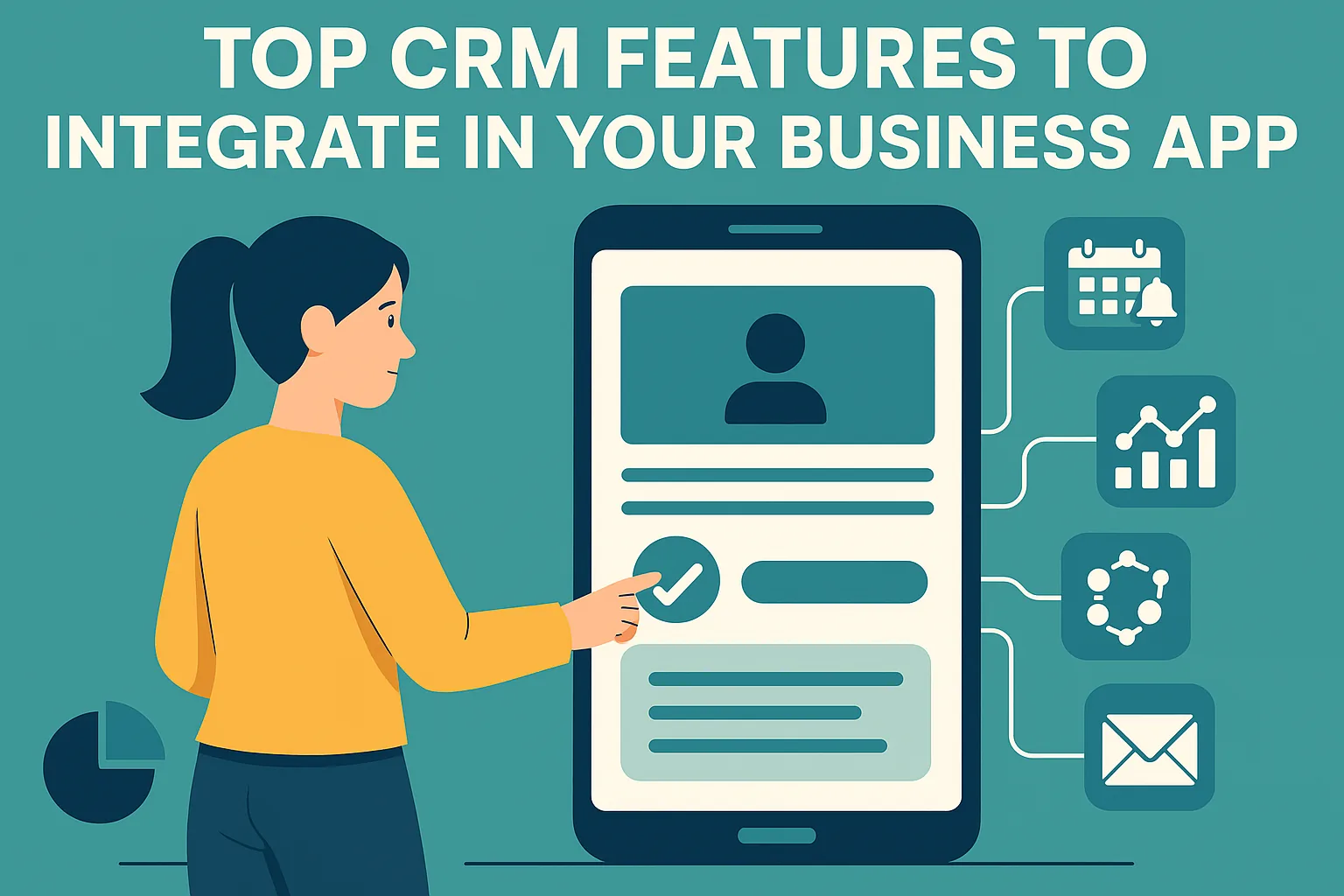
A CRM-powered business app helps you manage leads, track interactions, automate tasks, and deliver personalized service—all from one place.
If you're building a business app, adding CRM features can give your users a complete toolkit to manage customer relationships without switching platforms.
Start with the basics: contact and lead management. Allow users to store, edit, and access customer data with ease—synced across devices.
Integrate real-time notifications for important activities like lead follow-ups, meeting reminders, and pipeline movements. This keeps users proactive.
In-app communication tools like live chat or ticketing streamline support while tracking every interaction directly in the app.
A visual sales pipeline helps users understand where deals stand, spot bottlenecks, and forecast revenue effectively.
Add analytics dashboards with CRM data—such as performance reports, customer trends, or lead conversion stats—for better decision-making.
Automated workflows help assign tasks, trigger follow-ups, and schedule emails—saving time and avoiding human error.
Finally, make the CRM mobile-friendly and integrate it with essential tools like email, payment systems, and calendar apps.
How to prioritize CRM features for your first release
Trying to build every CRM feature at once delays launch and spreads effort too thin. Instead, identify the core job your users need done, such as tracking leads to a sale or managing service requests, and build the smallest set of features that supports that job end to end. Everything else can follow based on feedback.
Talking to a handful of target users before you build helps confirm this list. Ask them how they track customers today, often in spreadsheets or chat apps, and which steps waste the most time. A typical split between a first release and later phases looks like this.
- First release: contacts, companies, leads, a simple pipeline and tasks
- First release: basic search, notes and activity history
- Next phase: email and calendar sync, reminders and notifications
- Next phase: reports, dashboards and workflow automation
- Later: advanced analytics, AI features and a public API
Build, buy or integrate: choosing the right approach
If your app’s main purpose is something else and you only need basic customer tracking, integrating with an established CRM through its API is often the quickest route. If customer management is central to your product, or your workflow is too specific for off-the-shelf tools, building the features yourself gives you full control over the experience and data.
A middle path is to start from a configurable CRM platform and adapt it. Karma Technolabs’ own CRM, for example, provides ready modules that can be tailored to a business’s workflow, which avoids building common features such as contacts and pipelines from scratch.
Foundational features users notice later
Some features rarely appear in a first wish list, yet users quickly notice when they are missing. Planning for them early is much easier than adding them after data and users have grown, because they affect how records are stored and secured.
Permissions deserve particular care. A sales manager may need to see the whole team’s pipeline, while an individual rep should see only their own accounts, and finance may need read-only access to deals. Designing a flexible role model from the start avoids awkward workarounds and data exposure as more teams begin using the app.
- Roles and permissions controlling who sees and edits what
- Audit trails showing who changed a record and when
- Custom fields so businesses can capture their own data
- Bulk import and export with duplicate checks
- Fast, forgiving search across records
- Offline support for mobile users in the field
Mistakes to avoid when adding CRM features
The most common mistake is designing for managers rather than the people who enter data every day. If logging a call takes several screens, users will stop doing it and every report built on that data loses value. Another mistake is hard-coding pipeline stages and fields, which forces a redesign as soon as a customer’s process differs. Finally, test with realistic data volumes, since lists, search and reports that feel fast with a few hundred records can slow down significantly with many thousands.
Notifications are another area where good intentions backfire. Alerting users about every update quickly leads them to ignore all alerts, including important ones. Let users choose what they are notified about, combine minor updates into summaries, and make sure each alert links directly to the record that needs attention.
“Integrating CRM features into your app isn’t optional anymore—it’s the backbone of modern customer engagement.”