

Eliminate Contact Saving Barrier
Enable users to initiate conversations on major messaging apps without requiring saved contacts.
Case study · Utility / Productivity
Send Messages Without Saving Contacts
The brief
Our role: Mobile App Development, UI/UX Design, Message Intent Integration.
Shortcut: Instant Chat provides users a quick and convenient way to send messages using popular messaging platforms without needing to save the receiver’s contact number, simplifying instant communication across apps.
Built as a utility tool by Karma Technolabs, Shortcut: Instant Chat streamlines the process of starting conversations on major messaging apps by removing the friction of contact saving. By supporting WhatsApp, WhatsApp Business, Telegram, Viber, and Snapchat, the app allows users to enter a phone number or ID, compose a message, and send it with a single tap. The focus is on speed, efficiency, and reducing unnecessary steps in everyday messaging tasks.
Since its launch, the app has been improved with UI enhancements, performance optimizations, and extended support for multiple platforms, making it a practical tool for both personal and professional quick messaging requirements.
Requirements
Deliver a fast, frictionless messaging experience without traditional contact requirements.
Enable users to initiate conversations on major messaging apps without requiring saved contacts.
Offer seamless quick messaging across WhatsApp, Telegram, Viber, Snapchat, and more.
Design an interface where users can quickly input, send, and complete messaging actions with minimal taps.
Ensure the app runs smoothly on a wide range of devices with quick loading and minimal footprint.
Our approach
Technical and UX challenges overcome to support reliable multi-platform linking.
Integrating deep links across multiple messaging platforms required precise intent handling and fallback validation. We implemented robust URI schemes and conditional app detection logic to ensure accurate redirection without crashes, misrouting, or unsupported platform errors.
The core experience depended on minimizing friction in number entry and platform selection. We optimized form structure, auto-focus behavior, and validation flows to reduce taps while maintaining clarity and preventing incorrect input submissions.
To ensure smooth performance across diverse Android devices, we optimized widget rebuild cycles, reduced unnecessary state updates, and streamlined layout rendering, resulting in consistent responsiveness even on lower-end hardware.
Key features
Key features that enable rapid communication across platforms without adding contacts.
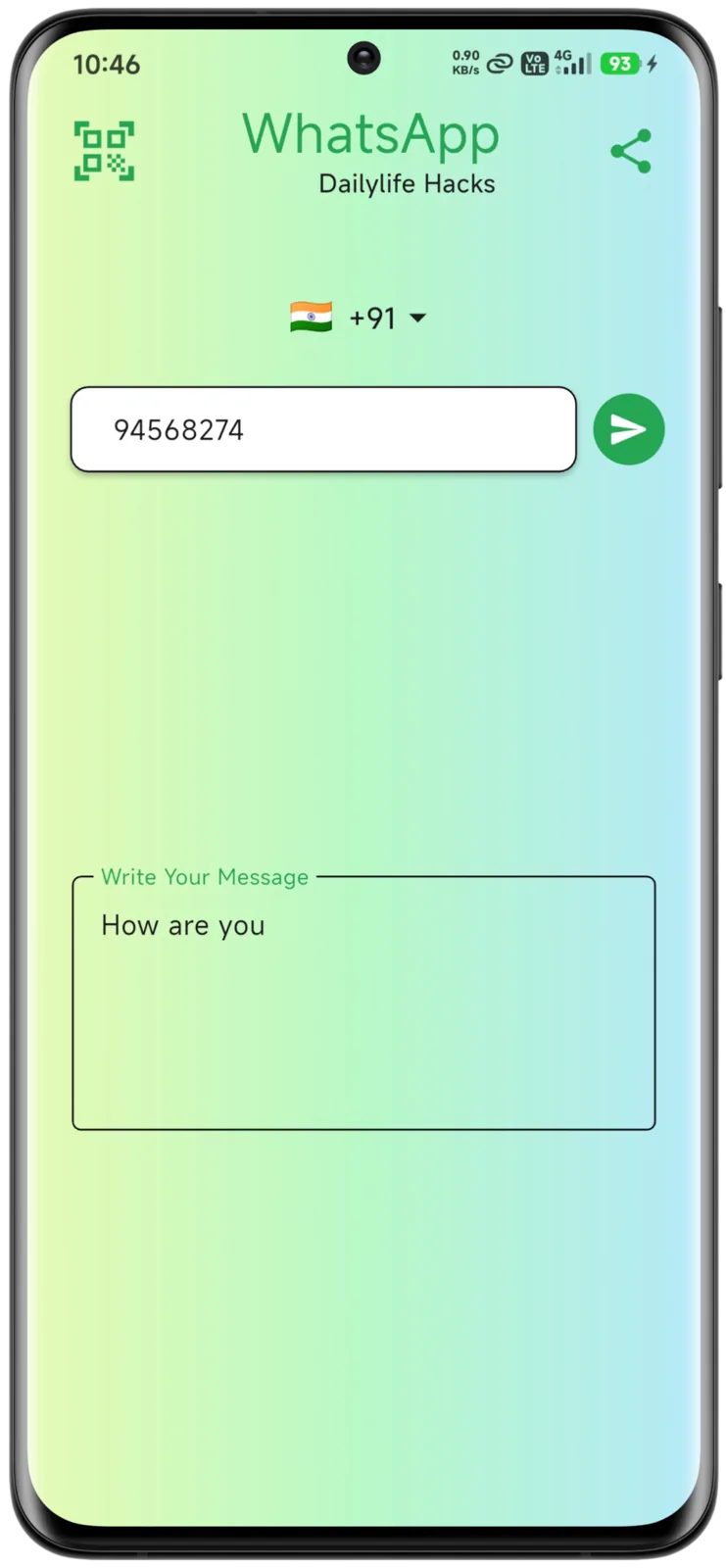
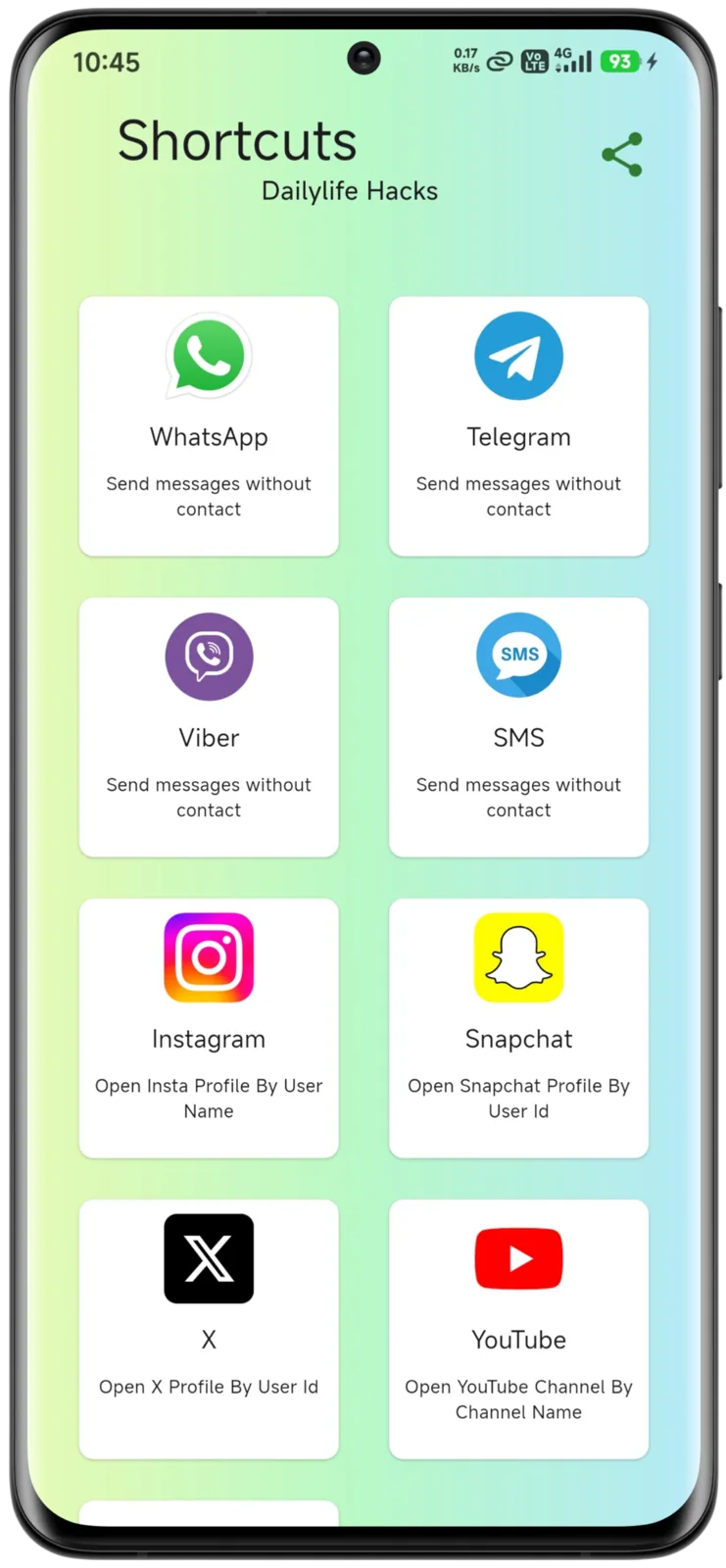
Users can instantly send messages using WhatsApp, WhatsApp Business, Telegram, Viber, and Snapchat without saving the recipient’s number first.
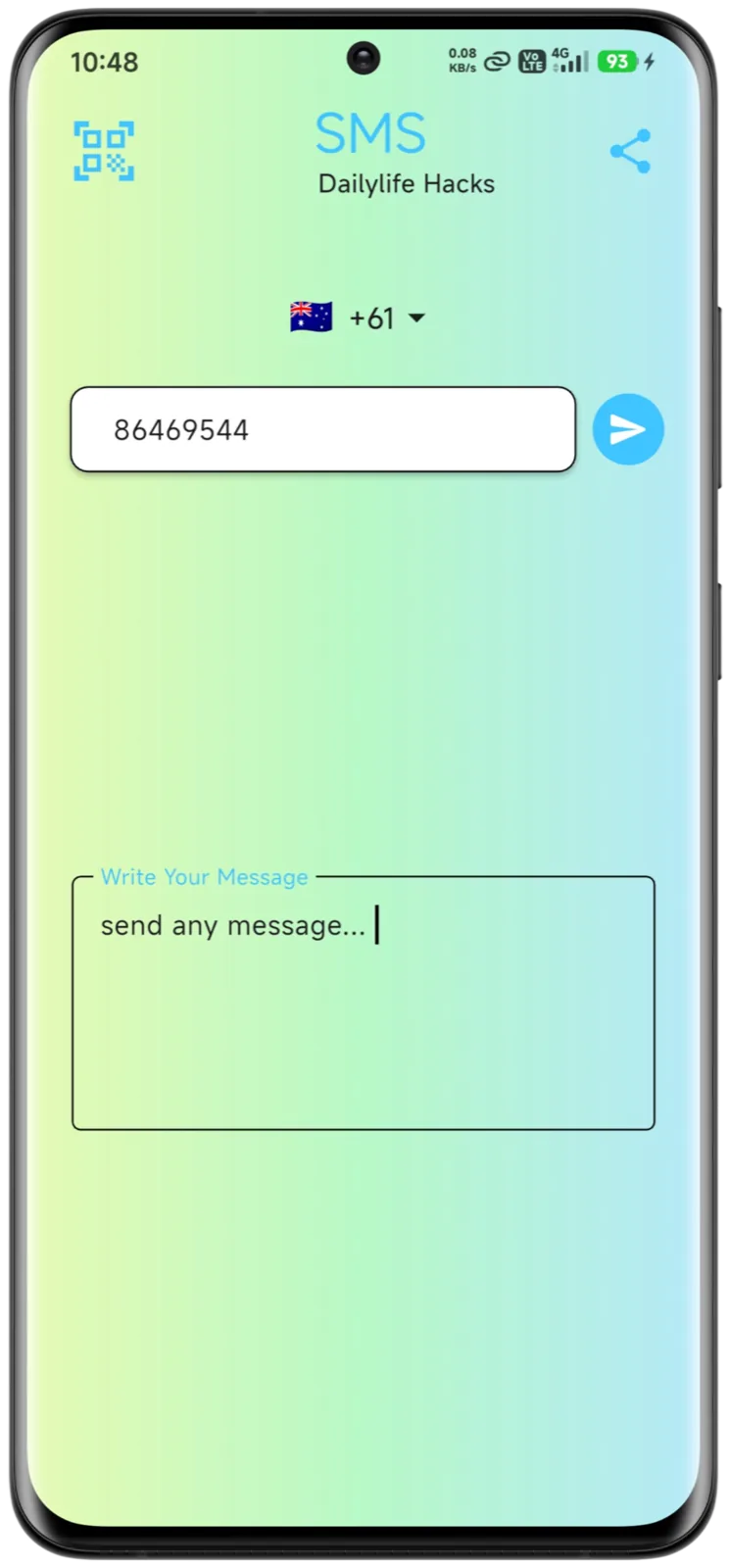
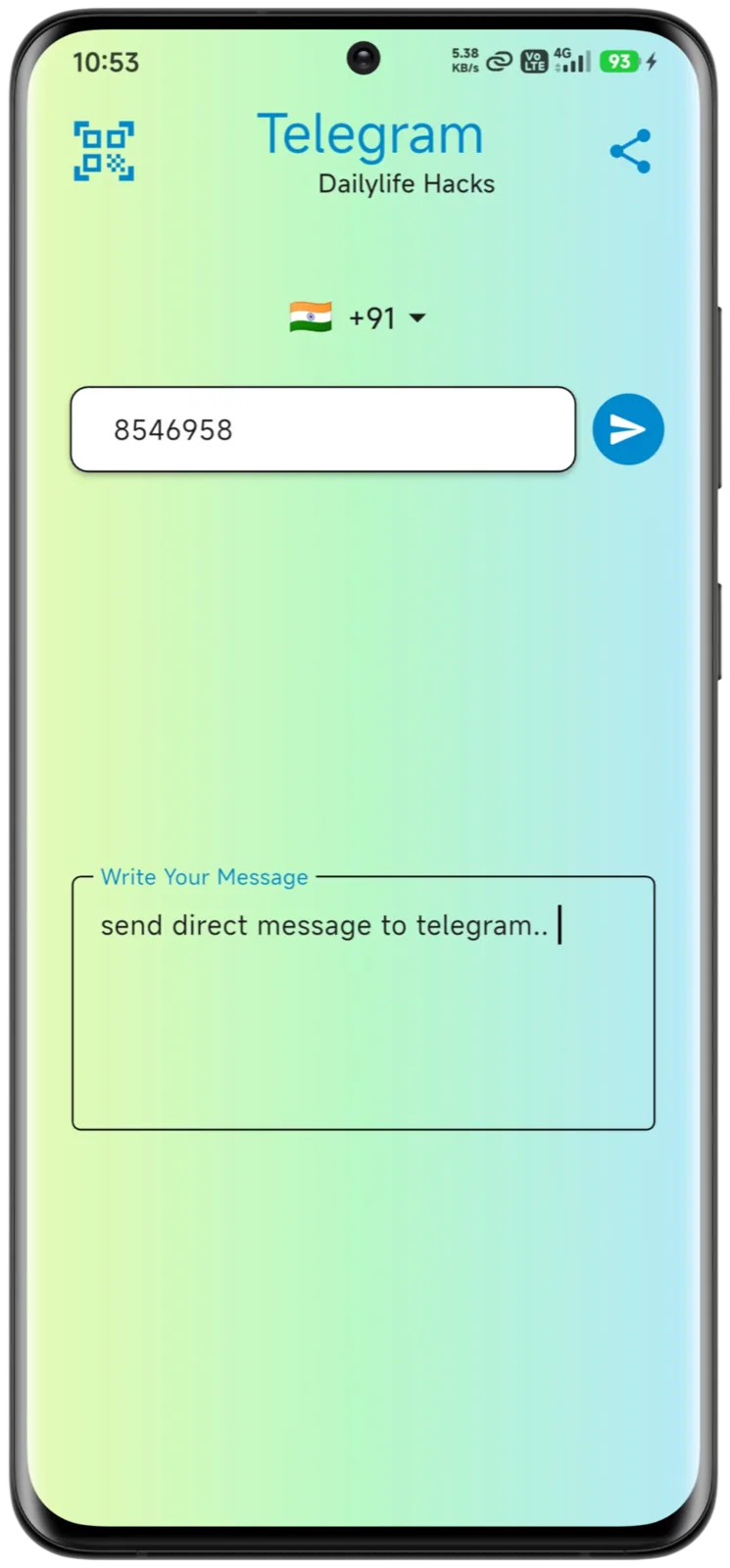
Enter phone numbers or IDs directly and start composing messages, eliminating the need for contacts management.
Minimalist UI focused on fast input and immediate action for quick daily communication needs.
Deep linking into messaging platforms using official intents/APIs to ensure reliable message delivery workflows.
Lightweight design optimized for quick load times and responsive interactions on a broad range of Android devices.
Product screens
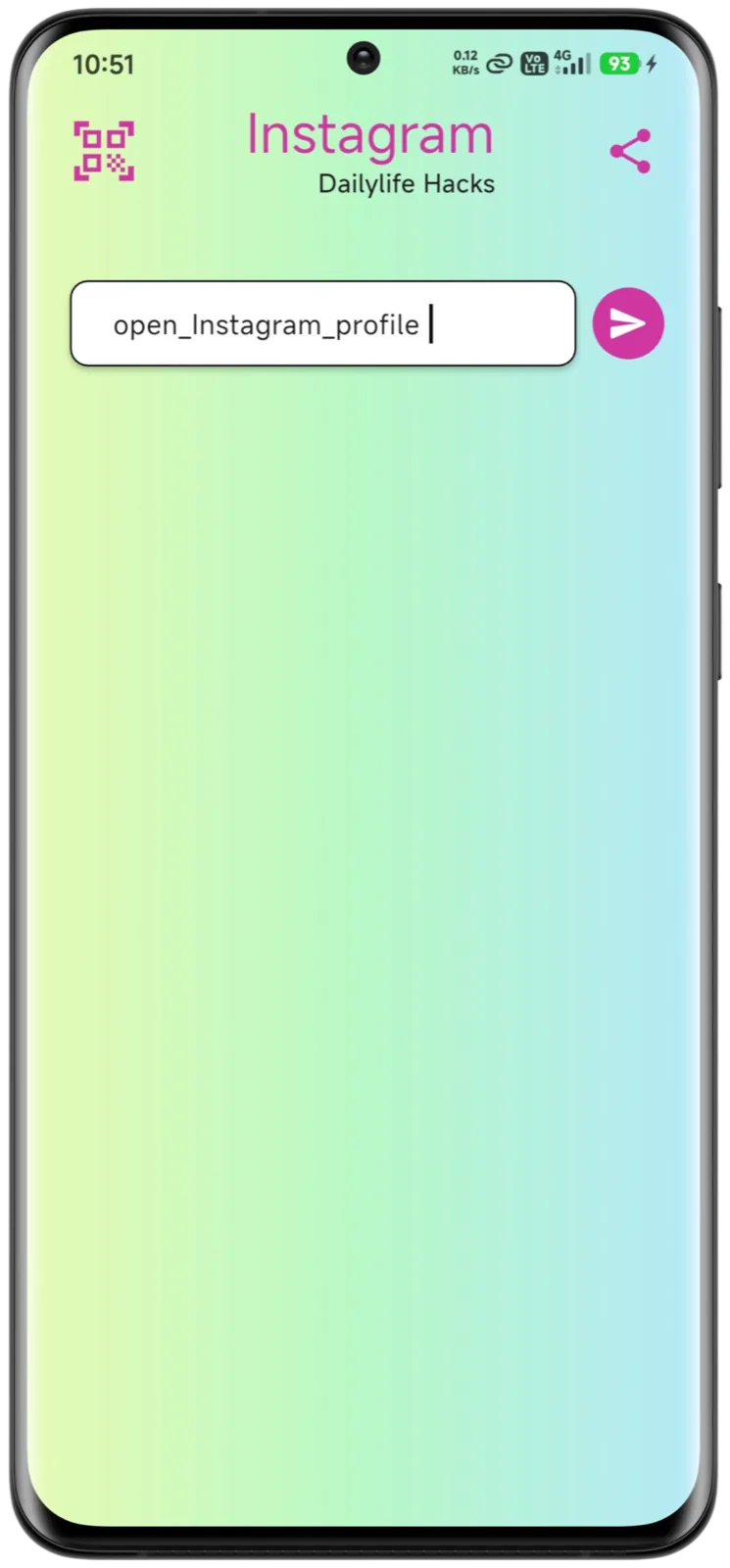
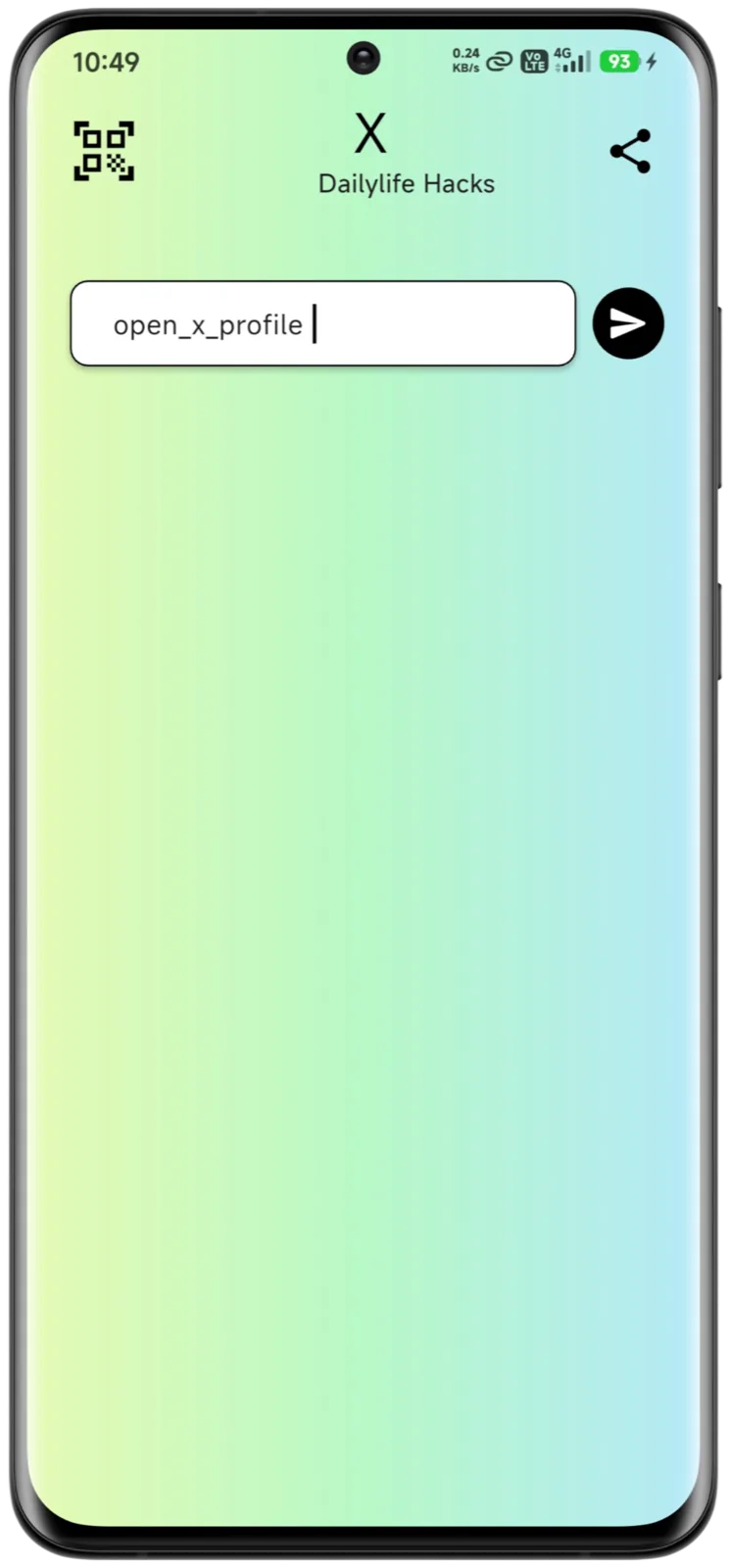
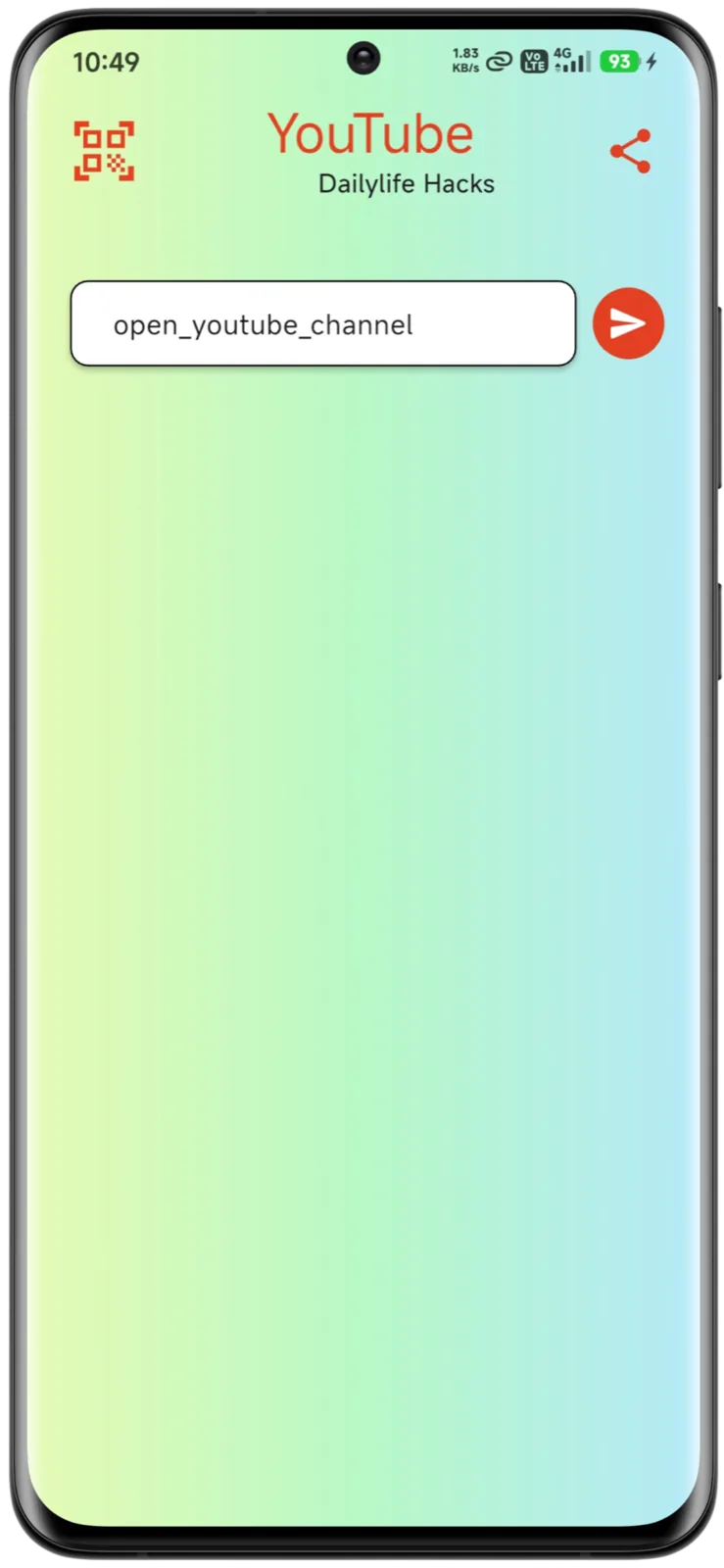
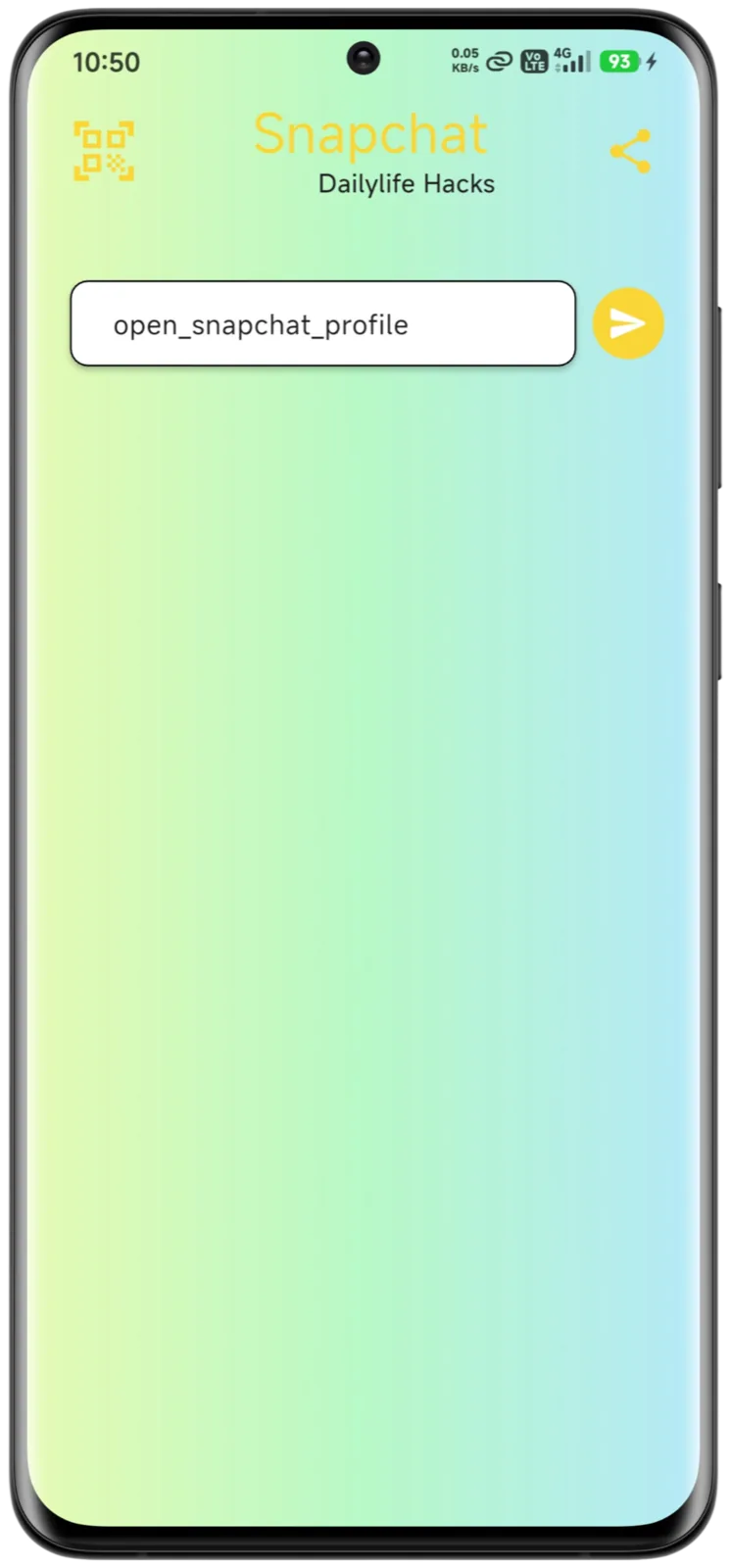
Core screens showing direct messaging entry, platform selection, and instant send actions.
Experience design
Design choices focused on simplicity, speed, and user ease-of-use for frequent messaging tasks.
The interface is intentionally minimal, prioritizing quick number input and instant action. By removing unnecessary navigation layers, the experience remains clean, distraction-free, and highly task-oriented.
Every screen is engineered around the core objective — sending a message quickly. Clear call-to-action elements, logical input flow, and immediate platform selection reduce friction and speed up interaction.
Uniform interaction patterns across supported messaging platforms ensure predictable behavior, helping users develop familiarity and confidence while switching between apps.
Responsive layouts and optimized components guarantee smooth performance across a wide range of Android devices and screen sizes, maintaining usability consistency.
Architecture & integrations
Mobile-focused tech solutions driving lightweight performance and broad device support.
 FlutterFrontend
 Native Android APIsMessaging Intents
 Custom WidgetsUI/UX
 Lightweight BuildPerformance
Delivery
Iterative development with emphasis on quick cycles, cross-platform support, and functional simplicity.
Defined primary user workflows, messaging platform scope, and technical constraints to establish a focused and lightweight product vision.
Designed rapid interaction prototypes emphasizing quick input, minimal navigation, and a task-first messaging experience.
Engineered deep linking mechanisms using native Android intent handling to securely launch supported messaging applications.
Optimized widget structure, state management, and rendering efficiency to maintain smooth interactions across Android versions.
Analyzed crash reports and user feedback to refine stability, improve UX clarity, and enhance cross-platform compatibility over time.
Outcomes
Real-world impact through faster communication workflows and frequent utility usage.
Users can send messages quickly without saving contacts, improving day-to-day communication efficiency.
Lightweight performance and ease of use encouraged frequent usage as a daily utility tool.
Seamless support across multiple messaging platforms increased user satisfaction and reach.
Intuitive UI ensured users could immediately benefit without onboarding friction.
Roadmap
Plans to expand support and improve messaging features for deeper integrations.
Add shortcuts for additional chat apps and platform targets based on user demand.
Enable saved message templates for ultra-fast recurring communication.
Future ability to store preferred actions and history in sync with the cloud.
Keep exploring
Let’s talk
Tell us about the product you have in mind. We’ll share how we would approach it — scope, stack and next steps.
Start a Conversation